
Business
Dynamic Event & Reportage Presets
6 situation-specific looks for corporate events, conferences & reportage — 3 light variations each
Ideal for: Event photography, corporate reportage, conferences, galas, concerts
69 €· 16 presets
Professional looks. By a photographer.
XMP presets for Lightroom Classic and mobile — from my daily client work. Event & reportage for business, Kodak Gold 200 as a €5 single, or the 9-film bundle for €29.
one-time · no subscription
Each pack is a complete workflow — real photos from my archive, no stock mockups. Open a pack for full details and sample images.
6 situation-specific looks for corporate events, conferences & reportage — 3 light variations each
Ideal for: Event photography, corporate reportage, conferences, galas, concerts
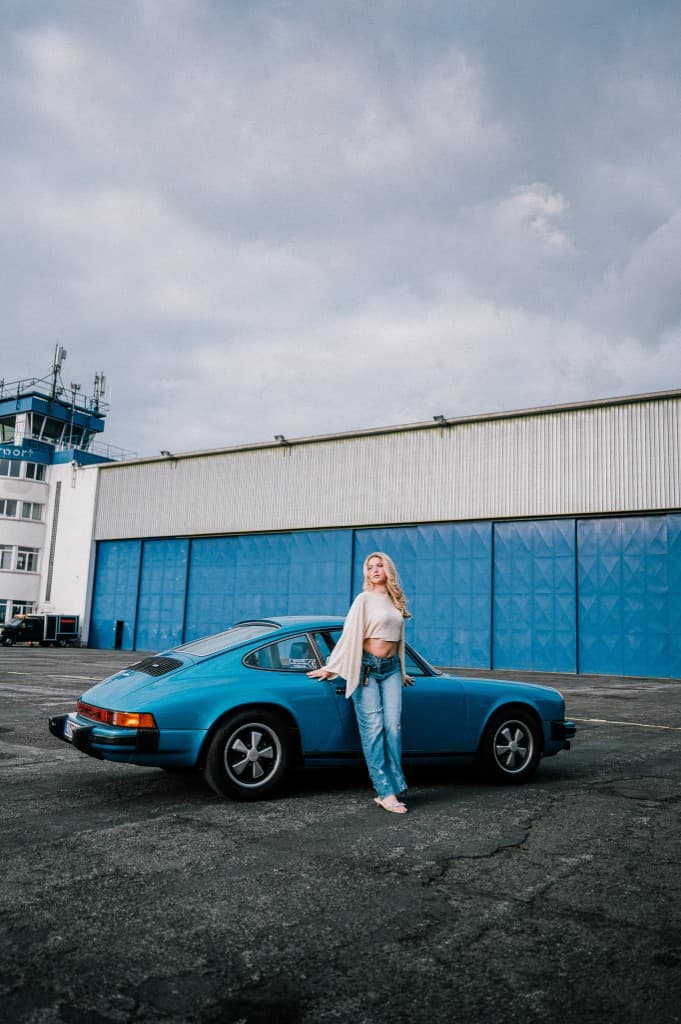
Single download: warm Gold 200 look as XMP — without the full 9-preset bundle
Ideal for: Digital Gold 200 look for street, travel, everyday — without the bundle

9 film looks inspired by Portra, Kodak, Fuji, Ilford & more — 35mm and 120mm aesthetic
Ideal for: Street, travel, lifestyle, portraits with film character
More packs coming
Portrait and B&W looks are in progress — this shop grows step by step.
ZIP with presets right after payment — plus email link.
Automatic invoice by email for your records.
Import questions? Reply within 48 hours.

I deliver business and event photography across Germany. These Lightroom presets are my real delivery workflow — not theoretical filters from the internet.
View portfolio & client work →Browse the packs — instant download after purchase, secure payment via Stripe.
Browse packs →Every pack ships as XMP files. How you import depends on whether you use Classic or the cloud app — the guides below walk you through it.
How to import Lightroom presets — Classic: drag the .xmp files into the Presets panel, or use File → Import Presets. Cloud app: Presets panel → ⋯ → Import Presets. ZIP packs: unzip first.
Not sure which app you need? Lightroom vs. Lightroom Classic explains the difference. New to the ecosystem? Start with what Lightroom is.
Want to understand what happens under the hood? Create your own Lightroom presets shows how to save and refine settings — useful even if you only use bought packs.
Import in the desktop cloud app first, then sync via your Adobe account — presets appear in Lightroom Mobile automatically. Details in the import guide (Cloud & Mobile section).
Most preset packs online are built for Instagram, not for client delivery. When I put together these Lightroom presets, the question was simple: would I ship a job with this look? That means believable skin tones, XMP files that work in Classic and the cloud app, and looks I actually use. The shop starts with film presets — more packs coming soon.
◆ FAQ · Lightroom presets