AI for Photographers 2026: Tools, Workflows and the Future
From autofocus and AI denoise to Generative Fill: analytical vs. generative AI, the most important tools, efficiency workflows, image generators and ethical limits — practical for photographers.
Author
Martin Kleinheinz
Photographer · Hannover
Updated
May 26, 2026
In 2026, artificial intelligence is no longer a vision of the future — it is a toolkit and a risk in equal measure. Adobe is rolling out the next wave with Lightroom 15.3 and Photoshop 27.6 (Firefly Image Model 5, Gemini 3.1). Google DeepMind and OpenAI have erased the gap between photo and video with Veo 3/4 and Sora 2. At the same time, the transparency obligations of the EU AI Act take effect on August 2, 2026.
My approach remains pragmatic: separate analytical AI (your silent assistant for denoising, masking, focusing) from generative AI (which creates new pixels). That distinction decides ethics, workflow and client trust — and from summer 2026 also the risk of fines up to €15 million.
You'll learn what has actually changed since the last update, which 2026 tools really save time, how to build trust with Content Credentials (C2PA) and where the journey leads in 2027. Hardware foundation: PC for image editing and monitor for image editing.
01
May 2026 Update
What's Really New in 2026
Since the start of 2026, more has changed for photographers than in the 12 months before combined. Here are the updates that actually affect your workflow — not the hype.
Adobe updates April 2026
◆Lightroom Classic 15.3 / Desktop 9.3 / Mobile 11.3 — Denoise, Raw Details, Super Resolution and AI adjustments via Copy/Paste, Sync and Presets now run as a shared background process. You can keep working while AI stacks compute.
◆New "AI Updates Required" warning on export — prevents you from shipping images with outdated AI settings.
◆Assisted Culling (Desktop) pre-sorts large stacks by sharpness and exposure — finally native in Lightroom, no third-party tool needed.
◆Natural-language search on Desktop: ask "sunset by the water with two people" — LR finds it.
◆Photoshop 27.6 with Firefly Image Model 5 and Gemini 3.1 integration for noticeably more precise Generative Fill results, plus "Find Distractions" (removes people, cables, background clutter for review).
◆AI-powered Layer Cleanup in Photoshop tidies up empty layers and renames them meaningfully.
Video AI: photo and motion merge
The biggest topic in 2026 is the dissolution of the boundary between photo and video. Google Veo 3 (and Veo 4) generate 4K clips with natively created audio — music, ambient and dialogue in a single pass. OpenAI Sora 2 delivered cinematic quality, although the standalone Sora service was shut down on April 26, 2026; the model lives on in OpenAI's products.
Hardware: AI moves onto the device
Apple Silicon Macs (M5), the NVIDIA RTX 50 series and new NPUs in Pixel 10 or Galaxy bring local models into real-time territory. Topaz, DxO and Lightroom Denoise benefit noticeably — one more reason not to cut corners on a PC for image editing.
02
Basics
What Is AI in Photography?
AI, machine learning (ML) and deep learning are often mixed up. AI is the umbrella term for machine-like intelligence. ML learns from data patterns — e.g. what a face is. Deep learning uses deep neural networks and powers almost all modern photo AI features.
Important: these systems do not "understand" a scene the way humans do. They identify probabilities from training data — aptly described as highly developed pattern recognizers.
Analytical vs. generative
Analytical AI
Works on the existing image: autofocus, denoise, masks, tagging. You've used it for years already — without a major ethics debate.
Generative AI
Creates new content: Midjourney images, Generative Fill in Photoshop. This is where we renegotiate authenticity and labeling.
Analytical AI refines a real moment. Generative AI can invent a moment that never happened — that's the core of the debate about photographic truth.
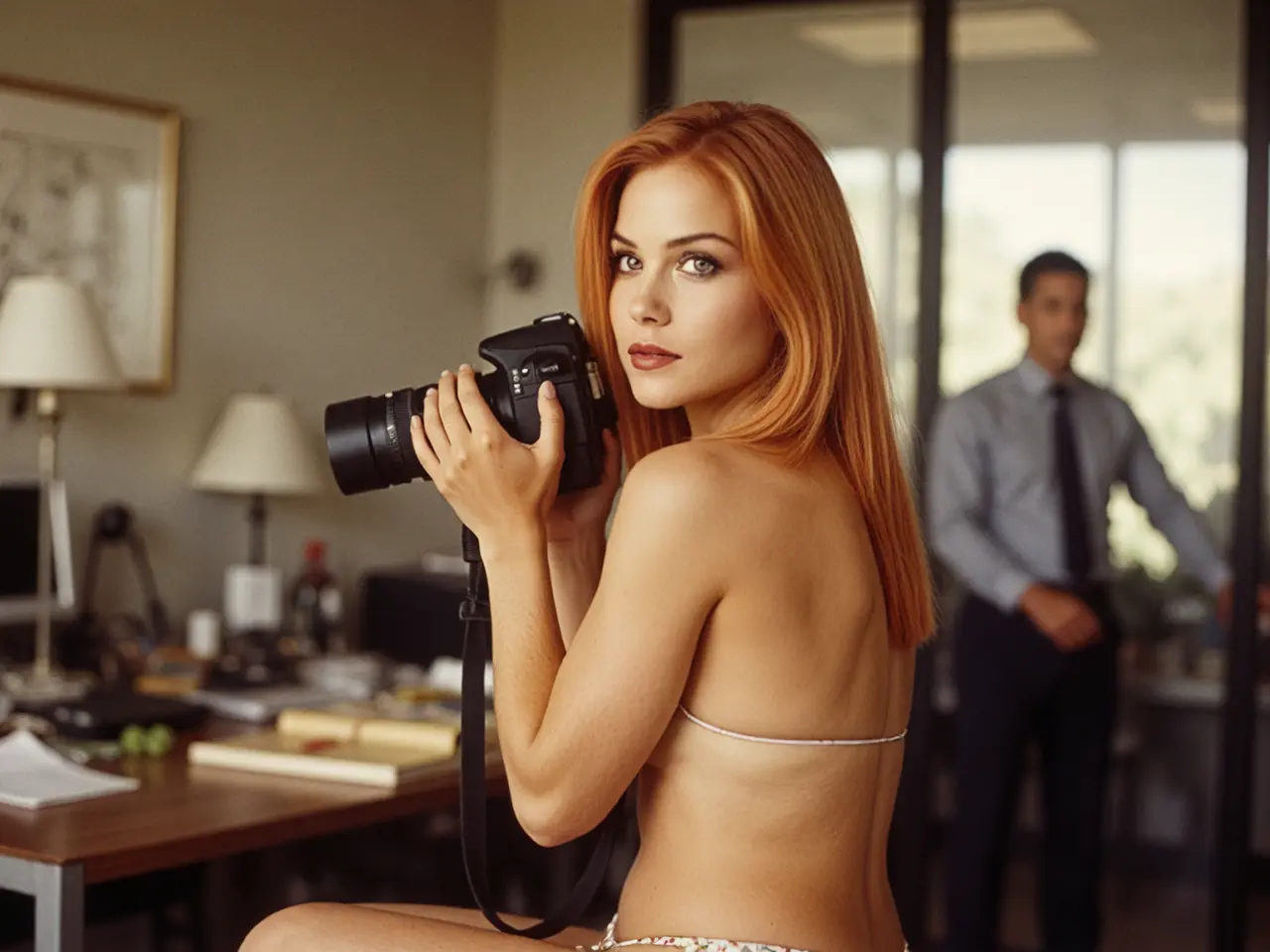
AI influencer — created by me with AI tools
03
Capture
AI in the Camera
Long before Midjourney, algorithms were running inside cameras and smartphones. Analytical AI increases your hit rate and takes technical micro-management off your hands.
Thinking autofocus
◆Human detection with eye priority on Sony, Canon and Nikon
◆Animal and bird modes for wildlife
◆Vehicle tracking for sport and action
AI influencer — created by me with AI tools
Computational photography
Smartphones capture multiple frames, segment sky, skin and vegetation separately and fuse them — quality beyond the hardware. You move from technician to director of the scene.
04
Editing
AI in Post-Processing
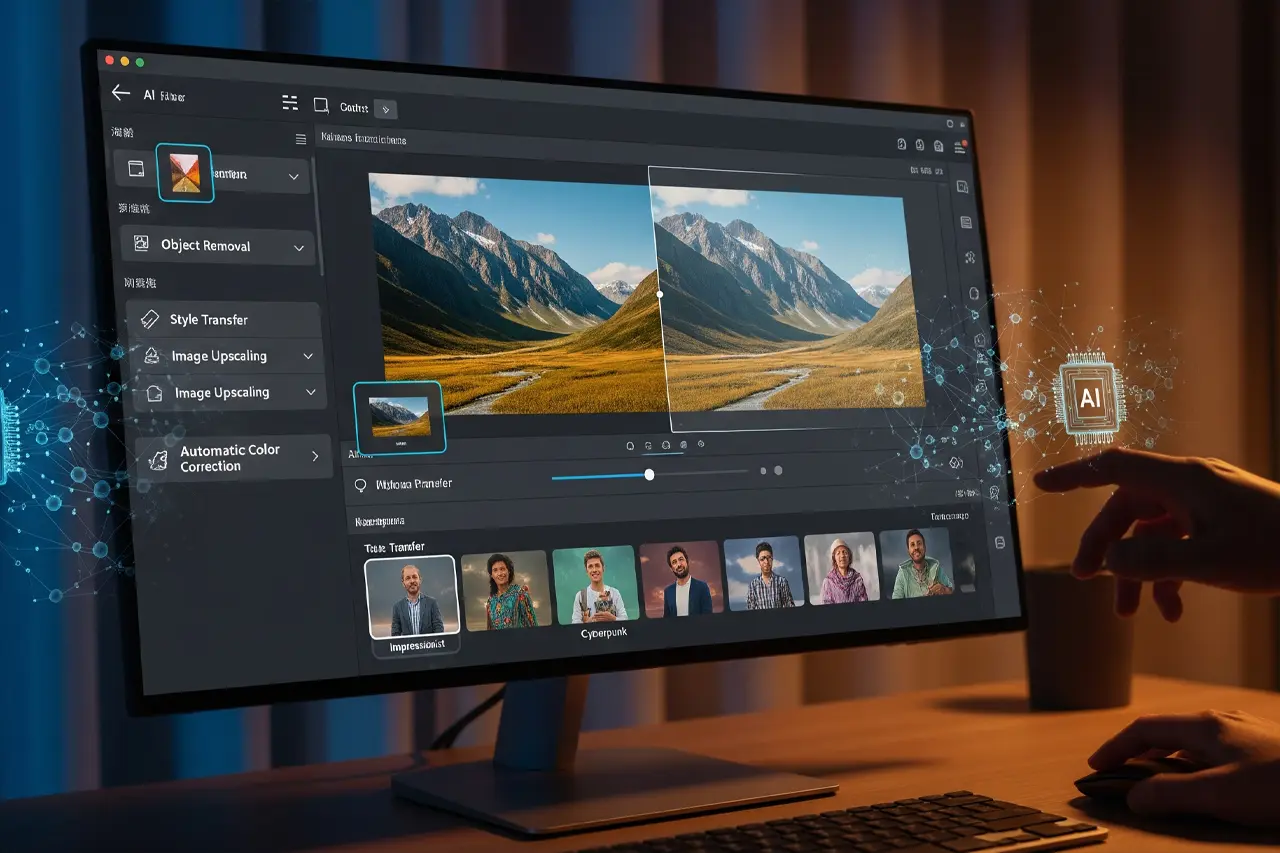
The biggest time savings live in post: auto-optimization, portrait retouch, denoise, masks and generative fill.
Automatic optimization
The Auto button in Lightroom now uses Adobe Sensei — intelligent exposure and color adjustments rather than simple algorithms. Portrait AI smooths skin and lifts eyes without a plastic look — seconds instead of hours.
AI influencer — created by me with AI tools
Noise reduction & sharpening
◆AI Denoise in Lightroom, DxO PureRAW or Topaz Photo AI preserves detail at high ISO values
◆Automatic white balance protects skin tones — precise colors require a calibrated monitor
Masking & Generative Fill
Subject, sky and background masks at one click replace hours of cut-outs. Content-Aware Fill copies existing pixels; Generative Fill (Firefly) creates new, context-aware content — including outpainting for wider images.
AI influencer — created by me with AI tools
05
Software
The Most Important AI Tools
Tool
Version May 2026
AI highlights 2026
Price
Ideal for
Adobe Lightroom
Classic 15.3 / Desktop 9.3
Generative Remove, Assisted Culling, NL search, background AI
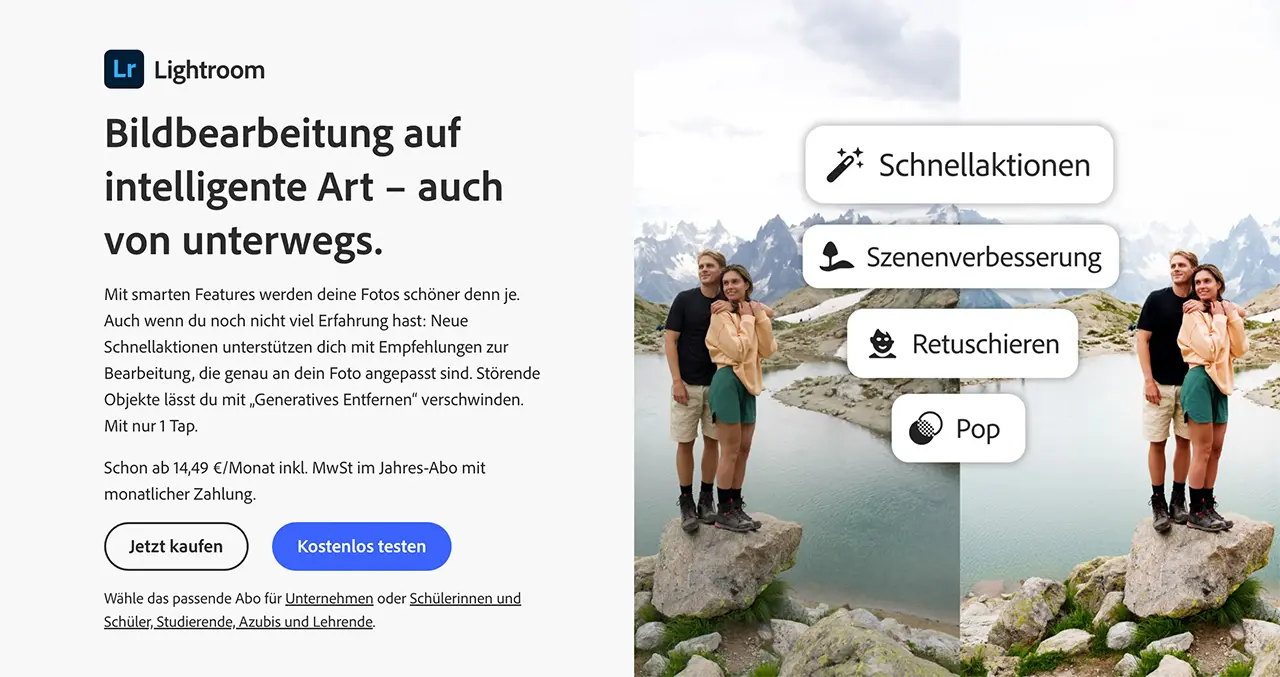
With the April 2026 update Photoshop opens up: alongside Firefly Image Model 5 you can now pick Google Gemini 3.1 as the generative model. That brings finer control, more realistic Generative Fills and outpainting. Lightroom Classic benefits from background processing for all AI tasks — Denoise no longer blocks the catalog.
Firefly is still trained on Adobe Stock and public-domain images — commercially safer than many open models. More context: What is Lightroom?, Lightroom alternatives.
AI influencer — created by me with AI tools
Specialists & Luminar
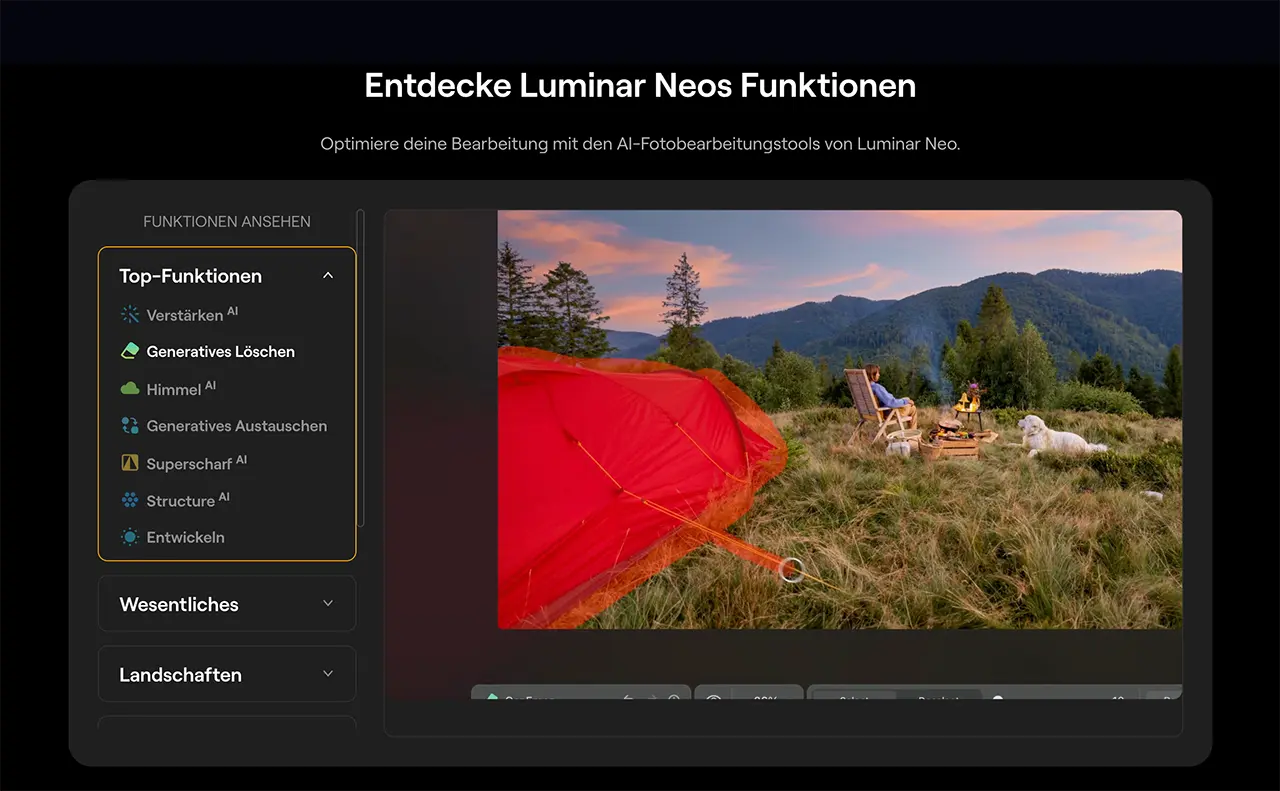
Topaz Photo AI bundles Denoise, Sharpen and Upscale with Autopilot. DxO PureRAW is step 0 before the actual edit — maximum RAW quality. Radiant Photo analyzes scenes for fast batch jobs. Luminar Neo combines Sky AI, Portrait AI and GenErase in a beginner-friendly UI.
Recommendation
Adobe vs. Luminar for AI workflows
Two ways to put AI to work productively — integrated in the pro stack or flexible without a subscription.
Vergleich
Adobe
Adobe Photography Plan (Lightroom + Photoshop)
Skylum
Luminar Neo
Bild
Empfehlung
Editor's Choice
Best Value
Sensor
Denoise · Masks · Generative Fill · Neural Filters
Sky AI · Portrait AI · GenErase · Relight AI
ISO-Bereich
macOS · Windows · iPad · Mobile
macOS · Windows · LR/PS plugin
Autofokus
Subscription · 7-day trial
Lifetime or subscription
Detail
Firefly: licensed stock data (commercially safe)
One-click optimization & creative effects
Stärken
+AI directly in the RAW workflow and catalog
+Generative Fill commercially safeguarded (Firefly)
+Largest tutorial and plugin ecosystem
+Seamless round-trip Lightroom ↔ Photoshop
+Strong one-click AI for sky, portrait, structure
+Lifetime license available
+Usable as a plugin inside Lightroom Classic
+Low barrier to entry for AI newcomers
Schwächen
−Subscription only
−Generative features primarily cloud-based
−Local AI less privacy-friendly than pure desktop tools
−No full-fledged DAM like Lightroom
−Generative features less deep than Photoshop
−Slower than pure LR workflows for mass editing
Geeignet für
Pros and ambitious hobbyists in the Adobe ecosystem who want to combine analytical and generative AI.
Photographers who want fast AI effects without a monthly Adobe subscription — or as a creative plugin.
Lightroom with AI Denoise, subject/sky masks and Photoshop with Generative Fill (Firefly). For photographers who want to integrate AI into a proven RAW and catalog workflow — including Photoshop for compositing.
Was überzeugt
+AI directly in the RAW workflow and catalog
+Generative Fill commercially safeguarded (Firefly)
+Largest tutorial and plugin ecosystem
+Seamless round-trip Lightroom ↔ Photoshop
Was Du wissen solltest
−Subscription only
−Generative features primarily cloud-based
−Local AI less privacy-friendly than pure desktop tools
Editor's Statement
“My setup for AI masks, Denoise and Generative Fill”
Portrait AI, Sky AI, Structure AI, GenErase and Relight AI in an intuitive interface. Ideal as an Adobe alternative or as a plugin inside Lightroom Classic — with a lifetime option.
Import → AI culling (e.g. Aftershoot) → Lightroom with AI batch editing → automatic keywording (Excire, LrGenius) → final manual correction. Hours become minutes — but verify the AI selection: it occasionally misses emotional moments.
Creative workflow
◆Midjourney for moodboards and shoot concepts
◆Generated backgrounds for compositing instead of expensive sets
◆Prompt experiments for lighting style and color palette before the shoot
For moodboards, marketing and compositing — not as a replacement for documentary photography. The market consolidated strongly in 2025/26.
Image generators
Midjourney v7+
Still the leader for aesthetic quality, with improved character consistency via SREF and Cref
Adobe Firefly Image 5
Commercially safe in the Adobe stack — now selectable directly in Photoshop 27.6
OpenAI GPT Image 1.5
Strong text understanding and editability via the ChatGPT interface
Google Imagen 4 / Gemini 3
Photoshop integration since April 2026, excellent prompt fidelity
FLUX.1 Pro (Black Forest Labs)
Realistic portraits, open-weight variant for self-hosting
Stable Diffusion 3.5 / SDXL
Maximum control, LoRA training for your own styles and characters
Leonardo.Ai, Ideogram, Recraft
Specialists for typography, brand assets and iteration
Video generators
Model
Strength 2026
Audio
Suitable for
Google Veo 3 / Veo 4
Cinematic 4K clips up to 8 s, native audio
Yes
Reels, ads, B-roll
OpenAI Sora 2*
Photorealism, longer clips (up to 20–60 s)
No
Storyboarding (app discontinued 2026-04-26, model still in OpenAI products)
Runway Gen-4
Pro workflow with Director Tools
Optional
Ad production
Kling 2.0 / Pika 2.0
Long clips, fast iteration
Limited
Social media
Luma Dream Machine
Camera moves and 3D control
Limited
Product videos
Video AI 2026 — overview (as of May 2026)
08
Provenance
Content Credentials & C2PA
While generative AI erodes trust, the industry is building a cryptographic seal of authenticity in parallel: Content Credentials based on the C2PA standard (Coalition for Content Provenance and Authenticity). Every signed image carries a tamper-proof history: camera, timestamp, edit steps.
Which cameras already sign
Leica
M11-P (since 2023) and SL3-S (early 2025) — hardware chip signs by default
Sony
Alpha 1 II, Alpha 9 III, FX3, FX30, PXW-Z300 natively; A1, A7 IV, A7R V, A7S III via firmware
Canon
EOS R1 and EOS R5 Mark II since July 2025 via firmware; R3, R5C, R6 Mark II also
Nikon
Z6 III already active; Z8 and Z9 receive C2PA firmware
Platforms & tools
◆Adobe Lightroom, Photoshop and Premiere have signed edit steps since 2021
◆Photo Mechanic supports C2PA since February 2026 — finally no break between capture and delivery
◆LinkedIn shows the CR icon on images with provenance
◆Google integrates Trusted Images in Pixel/Android
◆Cloudflare Images preserves credentials on resize/optimization
You verify images at contentcredentials.org/verify or with the Adobe browser extension. Leica images also via the FOTOS app.
09
Ethics & Law
EU AI Act, Trust and Contracts
EU AI Act — mandatory from August 2, 2026
On August 2, 2026, the transparency obligations from Article 50 of the EU AI Act take effect. They apply to you as soon as you publish AI-generated or AI-manipulated images.
Provider obligation (Art. 50 §2)
AI-generated or manipulated images must be machine-readable marked (watermark, metadata). The marking obligation was postponed by the EP/Council agreement to December 2026.
Deployer obligation (Art. 50 §4)
If you publish deepfakes (images that depict real people, places or events deceptively), you must visibly disclose that they were AI-generated.
Sanctions
Fines up to €15 million or 3% of worldwide annual revenue. Even small studios fall under the obligations.
Credibility & deepfakes
Generative AI undermines trust in images — especially in journalism. For weddings, application photos and PR work: no generated scenes that never happened. A C2PA-signed image from a Leica M11-P or Canon R1 is worth more in 2026 than any "better" AI version.
Cloud vs. local
Cloud AI
Adobe Sensei, Midjourney — uploads can be used for training. Sensitive with client images.
Local AI
DxO PureRAW, local plugins — processing only on your machine, full data sovereignty.
Purely AI-generated images from simple prompts often do not enjoy copyright protection in the EU — they are copyable. Mixed works with strong human contribution are a grey area. Commercial exclusivity over AI images is risky.
In a market full of generated images, demonstrably human, transparent work becomes the currency. The story behind your image matters more again.
10
Outlook
Outlook 2027 and Beyond
Three trends will shape the next 12–24 months — and decide which photographers stay relevant.
1. Multi-modal realism: one prompt, one universe
By the end of 2027 I expect a single prompt to generate an 8K photo, a 10-second video and a 3D asset simultaneously — with temporal consistency. Veo 4 and Imagen 4 already hint at it. Marketing packages will become complete image-video-AR worlds rather than individual photos.
2. Authenticity as a premium product
The more generated content floods the feed, the more valuable demonstrably real photography becomes. C2PA-signed images from real cameras will be deliberately demanded in 2027 across advertising, real estate, weddings and journalism — like organic food today.
3. "Imperfection by design"
Gen Z and Gen Alpha have developed an AI radar: images that are too perfect, too symmetrical, get downgraded as "fake". Film grain, lens flares, skin texture and natural light are in demand again in 2026 — ironically, generative models now simulate that on purpose. A real camera with photo character remains unbeaten.
4. Local AI on the device
Apple M5, Snapdragon X Elite and NPUs in Pixel/Galaxy bring Lightroom Denoise, Topaz and even Stable Diffusion pipelines fully offline onto the device. Privacy and speed win — cloud-only tools lose.
For you that means: invest in hardware with NPU/GPU (PC guide), in C2PA-capable cameras and in workflow transparency. Do that, and in 2027 you won't be obsolete — you'll be better than ever.
11
FAQ
Frequent Questions
Will AI replace the photographer?+
No. AI takes over routine work and expands possibilities. Composition, the relationship with the subject and the decisive moment remain human. 2026 shows: demonstrably real photography (C2PA) is becoming even more valuable the more generated images circulate.
What concretely changes with the EU AI Act from August 2026?+
If you publish AI-generated or manipulated images that depict real people, places or events (deepfakes), you must disclose this visibly. Machine-readable watermarks become mandatory from December 2026. Fines up to €15 million are possible — for small studios too.
What are Content Credentials and do I need them?+
C2PA Content Credentials cryptographically sign your images from the camera onward — camera, time and edits are documented tamper-proof. For journalism, documentary, real estate and weddings, increasingly a selling point. Leica M11-P, Sony Alpha 1 II, Canon R1/R5 II and Nikon Z6 III already support it.
Lightroom or Luminar to get started with AI?+
Lightroom for integrated RAW workflow, catalog and Denoise/Masks. With Classic 15.3 (April 2026), AI tasks finally run in the background. Luminar for fast Sky/Portrait effects without a subscription — often used as a plugin in Classic.
Do I need a special PC for AI?+
Yes. For local models and smooth work: a strong CPU with NPU, 32 GB RAM, a dedicated GPU (RTX 50 or Apple M4/M5 Pro). Topaz, DxO and Lightroom Denoise benefit massively. Details in the PC guide.
Can I use AI in wedding photos?+
Analytical corrections (exposure, denoise, moderate retouch, Generative Remove of small distractions) are common and accepted. Generative scenes that never happened, or deepfakes, are unacceptable — and legally problematic from August 2026. Transparency in the contract protects you.
Is Veo 3 or Sora 2 worth it for photographers?+
If you sell social-media packages (reels, stories): yes. Veo 3 generates 4K clips with audio in one pass — perfect for 6–10-second B-roll sequences alongside your photo shoots. Sora 2 as an app was discontinued on April 26, 2026, but the model lives on in OpenAI products.
This article contains affiliate links to Adobe and Skylum (Luminar Neo). If you purchase through these links, I receive a small commission — at no additional cost to you. Thank you for your support!
◆ Newsletter
Stay in the loop.
Camera and photography news, honest gear tests and new articles — in your inbox. Infrequent but relevant. No spam, unsubscribe anytime.