
Best Photo Editing Software for Beginners: Lightroom vs. Luminar 2026

Why only Adobe Lightroom and Luminar Neo really work for beginners – and why "free" is often the most expensive choice. With cost comparison, an honest take on the alternatives and a 30-day start plan.

Best photo editing software for beginners 2026
Martin Kleinheinz
Author
Martin Kleinheinz
Photographer · Hannover
Updated
May 25, 2026

You've just got your first camera – and you're facing the next decision: which photo editing software? The choice decides whether you'll be proud of your photos in a few weeks or stuck in front of the screen frustrated for months.

After 15 years in photography and countless conversations with beginners I can put it plainly: there are only two programs that deliver really good results for beginners – Adobe Lightroom and Luminar Neo. Everything else costs you time, patience and ultimately often more money.

Yes, both cost something. And yes, it's worth it. In this article I explain why – with concrete numbers, honest comparisons and a 30-day plan. Saving on software usually means paying twice in the end.

You'll also learn why free alternatives like GIMP are more curse than blessing for beginners – and how with the right choice you'll already be producing professional-looking results in the first 30 days. More fundamentals can be found in the guide photo editing for beginners.

00
Quick Recommendation

The Short Answer

Adobe Lightroom (Photography Plan)
You want to learn photography long-term, edit RAW, organize photos and also work on mobile → Lightroom (Classic + Cloud in the Photography Plan).
Luminar Neo
You want fast, impressive single images, you like AI effects and you don't want a monthly subscription → Luminar Neo (lifetime or annual license available).
Not for beginners
Capture One, GIMP, RawTherapee – powerful but too complex or too cumbersome to start with.
Software comparison

Lightroom vs. Luminar at a glance

The two programs that really make sense for beginners in 2026 – side by side.

Vergleich
Adobe
Adobe Photography Plan (Lightroom + Photoshop)
Skylum
Luminar Neo
Bild
Adobe Photography Plan (Lightroom + Photoshop)
Luminar Neo
EmpfehlungEditor's ChoiceBest Value
SensorLightroom Classic · Lightroom · PhotoshopmacOS · Windows · LR/PS plugin
ISO-BereichmacOS · Windows · iPad · iPhoneLifetime or annual (check at Skylum)
Autofokusapprox. €12.99/month (2026, check at Adobe)Sky AI · Portrait AI · Relight · GenErase
DetailVery good · tutorials & communityVery intuitive · one-click effects
Stärken
  • +Professional workflow from the start
  • +AI masks, Generative Remove, sync mobile/desktop
  • +Biggest learning and preset ecosystem
  • +Photoshop for fine retouching included
  • +Fast results with just a few clicks
  • +Lifetime license possible – no forced subscription
  • +Strong AI for sky, portraits, object removal
  • +Usable as a Lightroom plugin
Schwächen
  • Monthly subscription – no one-time purchase
  • Classic has a steeper learning curve than Luminar
  • 20 GB cloud often tight for cloud-only use
  • No professional photo management
  • Less depth for manual fine work
  • More limited batch processing than Classic
Geeignet fürComplete beginners and hobbyists who want organization, RAW and long-term learning.Creative beginners, social-media photos, landscapes – when fast wow effects are the priority.
Wo kaufen
01
The Problem

Why 80 % of Beginners Give Up

The problem is rarely a lack of talent. It's overwhelm: too many menus, jargon and tools that pros need years to master.

The complexity trap

Programs like GIMP or Capture One confront you with hundreds of options. Most beginners drop out within the first three months – not because of their photos but because they don't understand what they're doing.

Why "free" gets expensive

Free programs aren't optimized to give you good results in just a few weeks. Lightroom and Luminar use AI and years of development to get you to a result with a few clicks – while you learn.

AspectFreeLightroom / Luminar
Time to good results6–12 months2–4 weeks
RAW processingBasic functionsProfessional
AI assistanceAlmost noneExtensive
Support & tutorialsCommunityProfessional + huge (Lightroom)
Result qualityHeavily skill-dependentConsistently high from the start

Real cost comparison: time and frustration count too

Quick math: 5 hours per week, 6 months of learning with free software = 130 hours. With Lightroom or Luminar comparable results in 20–40 hours. Even at €15/hour for your time those are hundreds of euros in "hidden cost" – the Photography Plan costs about €12.99/month (as of 2026).

02
The Two Champions

Lightroom and Luminar in Detail

SoftwarePrice (typical)Beginner-friendlyAIVerdict
Adobe Lightroomapprox. €12.99/mo. (Photo Plan)Very goodMasks, Generative RemoveIndustry standard
Luminar NeoLifetime or annual subExcellentSky AI, Portrait AIFast wow effects
Capture Onefrom ~€20/mo.HardLimitedNot for beginners
GIMP€0FrustratingNoneWrong category

Photo editing software for beginners (as of 2026)

Adobe Lightroom · the industry standard

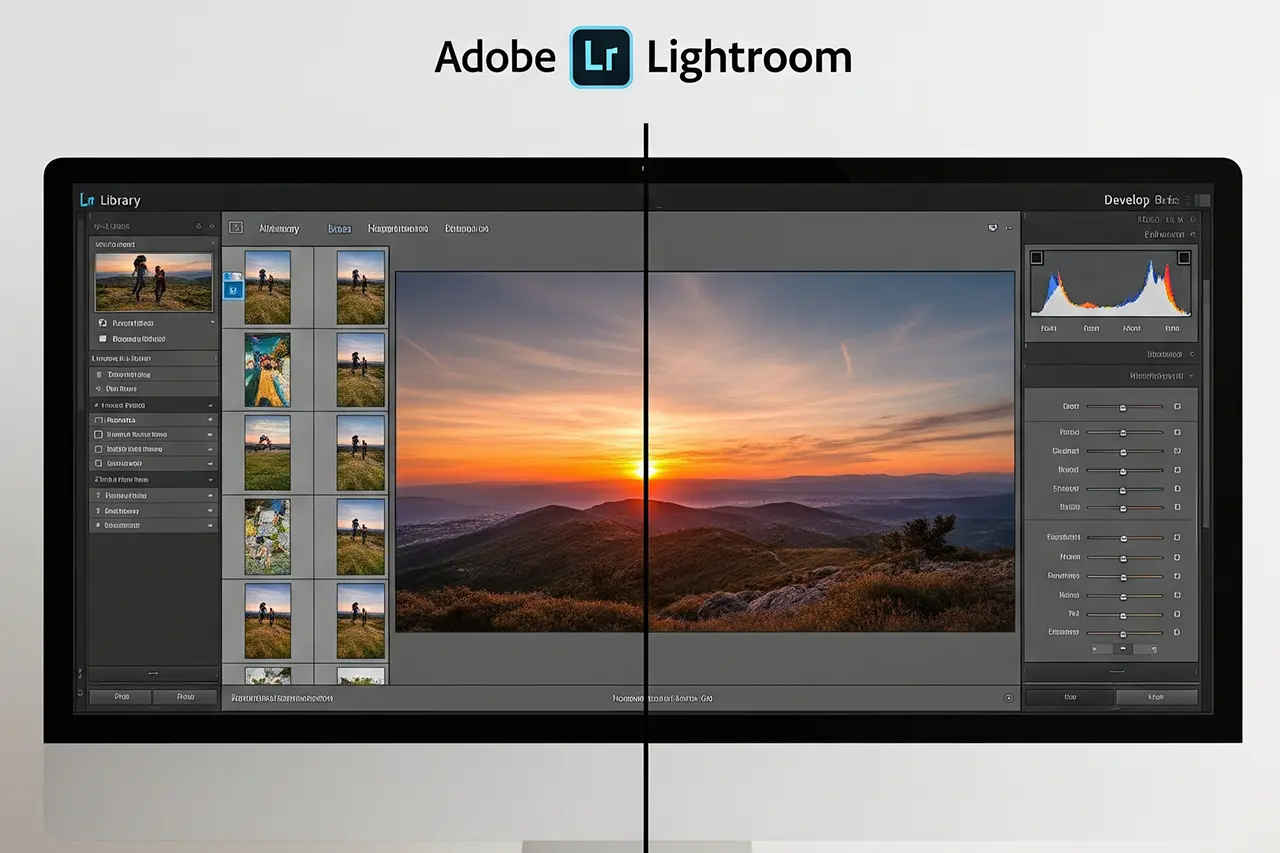
Lightroom was built for photographers of every level. 2025/26 brings Classic with Generative Remove, AI masks (subject, sky, people) and strong RAW development. Along the way you learn how professional editing works – not just how to press a button.

  • Desktop and mobile in sync – pre-sort on the go, refine at home.
  • Huge community: there's a tutorial for almost any problem.
  • Photography Plan includes Classic, cloud Lightroom and Photoshop.

More on getting started: What is Lightroom? and Classic vs. Cloud.

Luminar Neo · AI power with just a few clicks

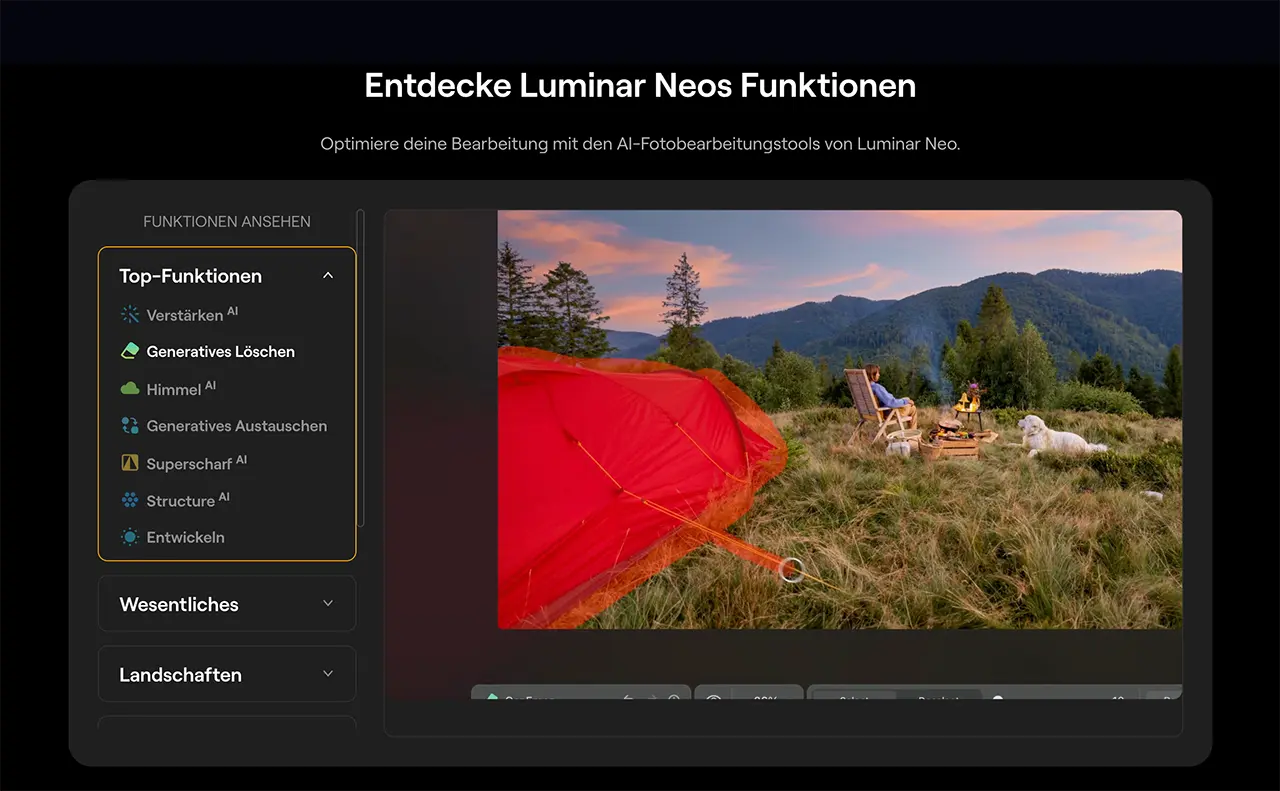
Luminar bets on maximum results with minimum effort: Sky AI for the sky, Portrait AI for skin, GenErase for distractions, Relight AI for light – often with a single click.

Many pros use exactly this combo: organize in Classic, creative effects in Luminar. Details on alternatives in general: Lightroom alternative 2026.

03
Investment

Why Paid Software Pays Off

Adobe and Skylum invest millions in development, UI and algorithms. Free tools are often maintained by volunteers – updates are rarer, interfaces more dated, support absent.

In 2026 AI in photo editing is no longer a gimmick: automatic masks, smart removal, adaptive presets. This tech costs development budget – free programs don't catch up.

As a beginner you'll have questions. With Lightroom and Luminar you'll find official tutorials, forums and YouTube channels in abundance. With GIMP, help depends on the luck of the community.

04
Alternatives

Why Other Programs Fail for Beginners

Capture One · a pro tool without pro knowledge

Capture One is excellent – for pros. The interface is less intuitive, import and collections more awkward. I regularly see beginners give up after three months – with Lightroom or Luminar that happens far less often.

GIMP · free, but the wrong category

GIMP is a graphics program, not a photo editor. Weak RAW integration, no sensible batch processing, no photo management, dated UX. Many think afterwards that they have no talent – when in fact only the software was wrong.

RawTherapee & darktable

Technically strong for RAW – but built on technical, not workflow-oriented principles. Perfect with experience, frustrating at the start.

05
Recommendation

Which Software for Whom?

Complete beginners → Lightroom

If you've never edited before and want to be good long-term: Lightroom. You learn professional workflows from the start. The Photography Plan (approx. €12.99/month) includes Photoshop and cloud storage – a complete package.

Start with the Auto button, then experiment with individual sliders. Pre-edit on your phone on the go, refine on the PC for photo editing at home.

Editor's Choice
Adobe Photography Plan (Lightroom + Photoshop)
Bewertung
4.7
/ 5,0
★★★★
Basierend auf 0 verifizierten Bewertungen
Adobe

Adobe Photography Plan (Lightroom + Photoshop)

Industry standard for ambitious beginners

Lightroom Classic, Lightroom (Cloud) and Photoshop in one bundle. For beginners: gentle learning curve, huge tutorial community, AI masking and professional RAW development from day one.

Was überzeugt
  • +Professional workflow from the start
  • +AI masks, Generative Remove, sync mobile/desktop
  • +Biggest learning and preset ecosystem
  • +Photoshop for fine retouching included
Was Du wissen solltest
  • Monthly subscription – no one-time purchase
  • Classic has a steeper learning curve than Luminar
  • 20 GB cloud often tight for cloud-only use
Editor's Statement

My recommendation if you take photography seriously long-term

Verfügbar bei

Creatives with a budget focus → Luminar Neo

If impressive single images, social media or landscapes are your focus and you don't want a subscription: Luminar. Sky AI alone can turn a flat sky into drama.

Best Value
Luminar Neo
Bewertung
4.5
/ 5,0
★★★★
Basierend auf 0 verifizierten Bewertungen
Skylum

Luminar Neo

Fast AI results without subscription pressure

Photo editor with Sky AI, Portrait AI, Relight AI and Generative Erase. Ideal for impressive single images – optionally as a plugin in Lightroom Classic.

Was überzeugt
  • +Fast results with just a few clicks
  • +Lifetime license possible – no forced subscription
  • +Strong AI for sky, portraits, object removal
  • +Usable as a Lightroom plugin
Was Du wissen solltest
  • No professional photo management
  • Less depth for manual fine work
  • More limited batch processing than Classic
Editor's Statement

Perfect for creative effects and budget-focused beginners

Verfügbar bei

Pro combo · Lightroom + Luminar plugin

Import and base correction in Classic, creative effects (sky, portrait) in Luminar, export back in Classic. That's the workflow many professional photographers use – you can grow into it later.

06
Start Plan

Your 30-Day Plan

Theory helps little without routine. This is how you start in a structured way – whether Lightroom or Luminar:

Week 1
Install the software, import 20–30 of your best photos, try Auto/presets. Goal: at least 5 photos that visibly look better.
Week 2
Try each base slider individually: exposure, contrast, highlights, shadows, saturation. Daily 2–3 different subjects.
Week 3
Develop a fixed order: crop → exposure → highlights/shadows → colors → sharpening. A calibrated monitor makes a big difference here.
Week 4
Get creative: color grading (Lightroom) or Sky/Portrait AI (Luminar). Aim for your own look, not just copying presets.
07
FAQ

Frequent Questions

Is GIMP enough for photography beginners?
As an entry into image editing in general: possible. As an entry into photography: hardly recommended. Missing RAW workflows, no management, steep learning curve. Most give up early – not for lack of talent.
Lightroom or Luminar Neo – which first?
Lightroom if you want organization, RAW and long-term learning. Luminar if you prefer strong single images and AI effects right away without a subscription. You can try both with the Photography Plan or via trial versions.
Do I need to learn Photoshop too?
No. To get started Lightroom is plenty. Photoshop in the Photography Plan is for later fine retouching – compositing, retouch, text. Many photographers go years without Photoshop.
Is €12.99/month too much for beginners?
That's less than 45 cents per day for Lightroom, Photoshop and cloud storage. Compared to months of frustration with free software it's usually the cheaper decision – especially when you count your time.
This article contains affiliate links to Adobe and Skylum. If you buy through these links I receive a small commission – at no extra cost to you. Thank you for your support!
Newsletter

Stay in the loop.

Camera and photography news, honest gear tests and new articles — in your inbox. Infrequent but relevant. No spam, unsubscribe anytime.

Keep reading

From the journal.

Fotograf, Martin Fernando Mera Kleinheinz · Franz-Bork-Straße 21, 30163 Hannover · 0179 4085397