
Photography Equipment 2026: The Complete List for Beginners, Advanced & Pros

What does a photographer really need? From camera backpack and kit lens to tethering with boom arm and MacBook Pro — the full equipment list in three tiers, category by category.

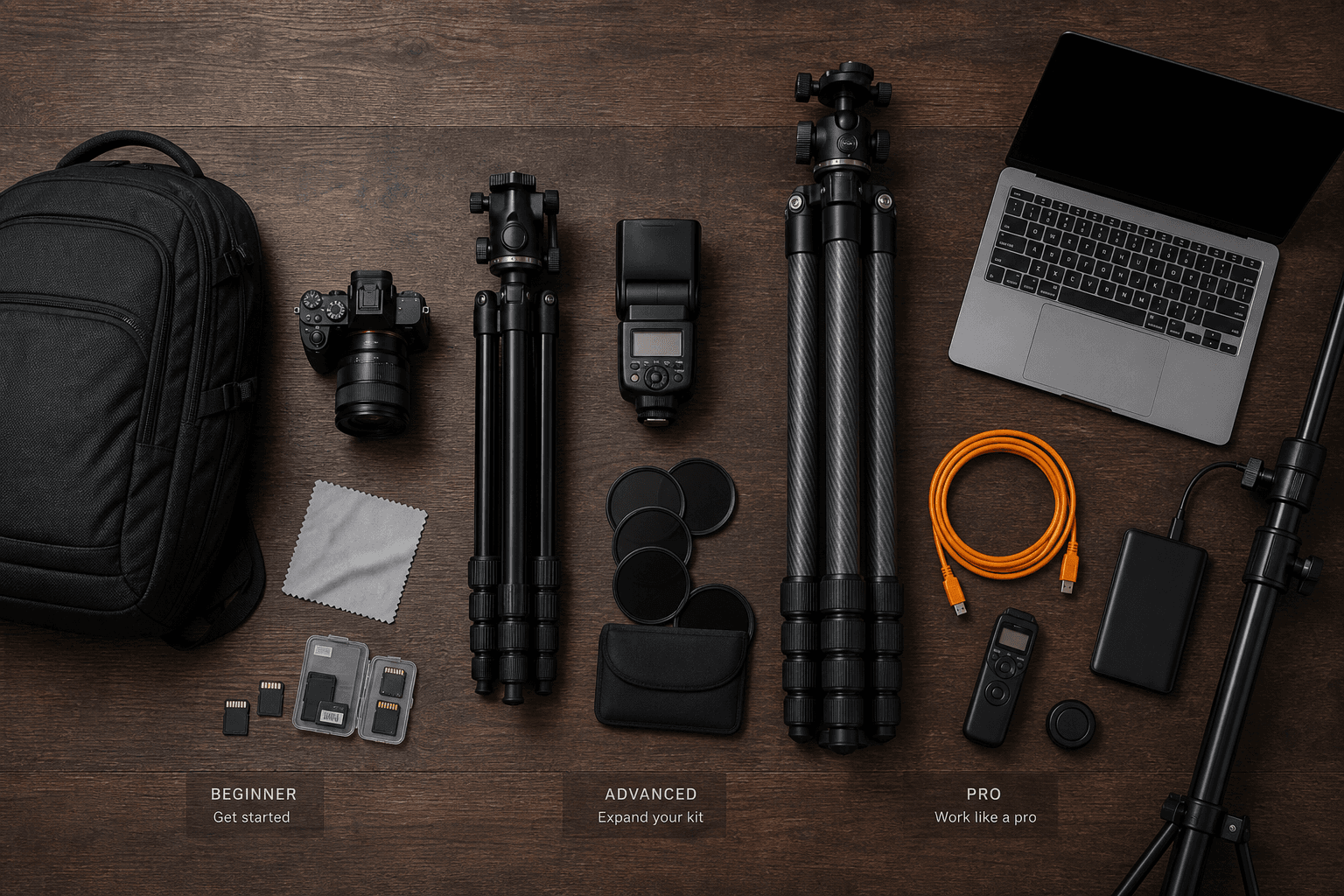
Photography equipment overview — camera, lenses, tripod and accessories on a table
Martin Kleinheinz
Author
Martin Kleinheinz
Photographer · Hannover
Updated
June 21, 2026

The question "What do I need as a photographer?" has no universal answer — but it has a structured one. A hobby photographer with a kit lens needs different things than a wedding photographer with a tethering setup or a studio photographer with three flash heads. Still, there's a logical base kit that scales in three stages.

This guide lists everything a photographer needs at each stage — not as a shopping wish list but as an honest checklist. Category by category: camera, lenses, transport, tripod, light, storage, computer, studio, tethering. From camera backpack with kit camera to boom arm with MacBook Pro on set.

Just starting out? Begin with tier 1 and move up when your skill — not your wallet — demands it. Camera buying: Camera for Beginners. System choice: Mirrorless vs. DSLR. Focal lengths: Which Focal Length for What. Lenses: Which Lens for What.
00
Overview

The 3 tiers at a glance

Before the details: a short definition of the three stages. They describe not your talent but your typical use case and equipment needs.

TierWho?Typical useBudget guideCore setup
BeginnerFirst camera, hobby, learning phaseFamily, holiday, everyday, first workshops€800–1,500APS-C kit + backpack + SD cards
AdvancedAmbitious, part-timePortrait, event, landscape, content€3,000–8,000Full frame + lens set + tripod + flash
ProFull-time, studio, agencyWedding, commercial, studio, tethering€15,000+Dual body + studio flash + tethering + monitor

Photography equipment 2026 — three tiers at a glance

01
Structure

The 12 categories of photography equipment

Each tier builds on the same categories — only scope and quality level grow. You'll find every category again in the following sections:

1. Camera & lenses
The core — body, kit lens, later primes and zooms
2. Storage & power
SD cards, batteries, chargers — without them nothing works
3. Transport
Backpack, sling bag, case — protects and motivates you to take it along
4. Stabilisation
Tripod, head, gimbal — for long exposure and video
5. Light
Flash, reflector, continuous light, studio strobe — from speedlight to Profoto
6. Filters & protection
UV protection, CPL, ND — and front element protection
7. Cleaning & care
Microfibre cloth, blower, sensor cleaning
8. Computer & software
Laptop, Lightroom, Capture One, hard drives
9. Studio
Backgrounds, modifiers, C-stands, boom arm
10. Tethering
Cable, mount, live view on laptop — pro workflow
11. Backup & workflow
SSD, NAS, duplicate SD cards — avoid data loss
12. Small parts & set accessories
Remote release, gaffer tape, cable ties, spares
02
Tier 1

Beginner — camera backpack & kit lens

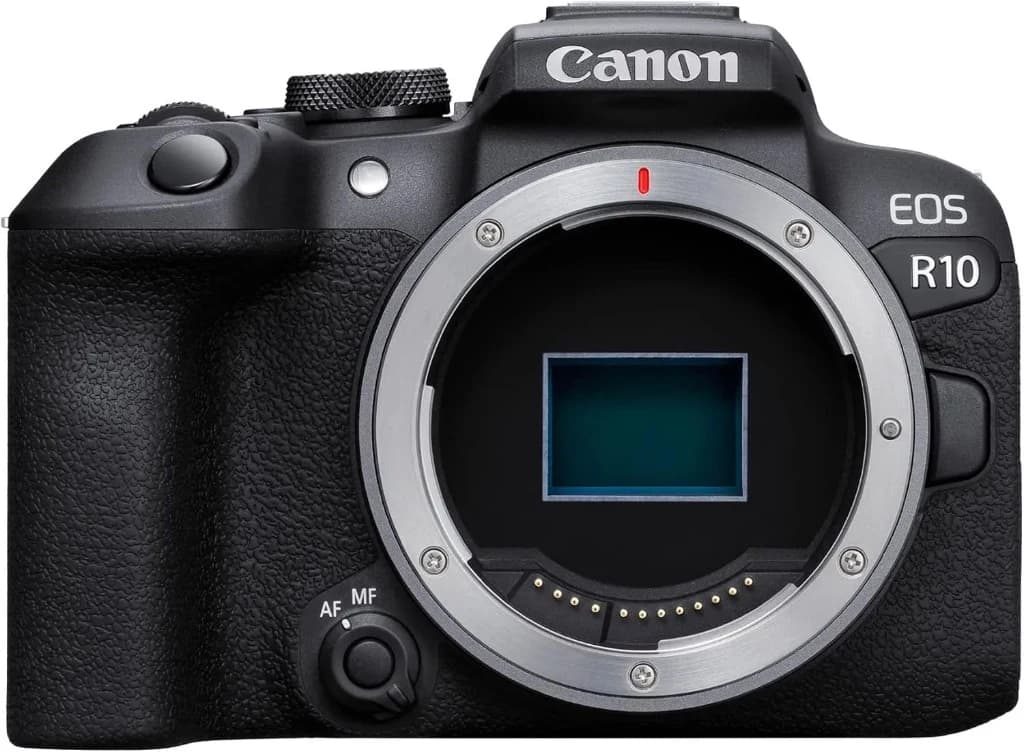
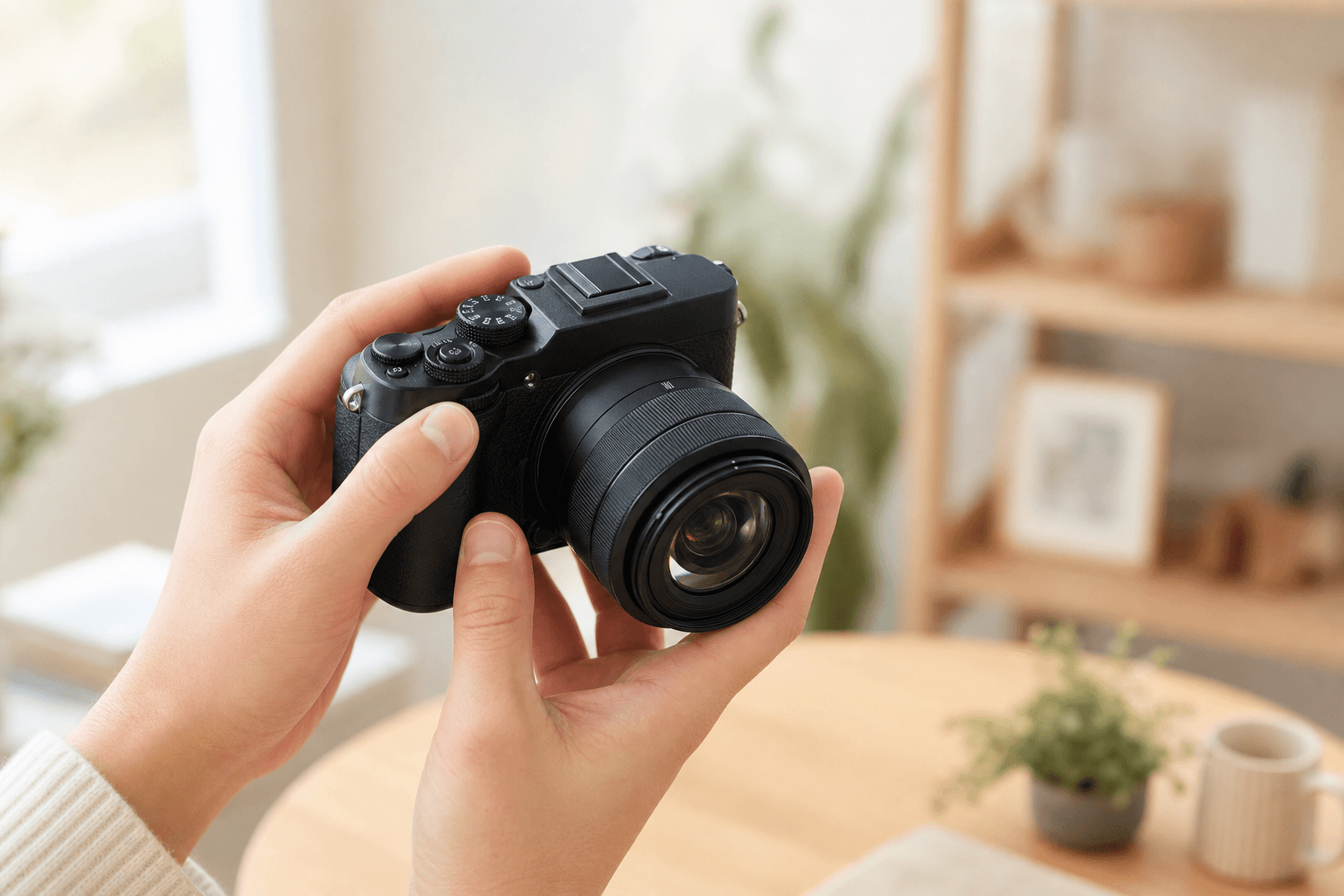
Entry-level camera with kit lens — typical beginner setup
Tier 1: Less is more — one good camera you actually take with you.

As a beginner you need no full frame, no studio strobe and no tethering. You need a camera that's fun, lets you learn, and accessories that don't hold you back. Here's the full list:

Camera & lenses

  • APS-C mirrorless with kit lens (e.g. Canon EOS R10, Sony ZV-E10 II) — interchangeable system, good AF, RAW
  • Kit zoom (18–45 mm / 16–50 mm) — in the bundle, enough for months
  • Lens caps & body cap — included but still get lost; cheap replacements
  • Camera strap — standard is fine, later optional Peak Design Slide

Storage & power

  • 2× SD card (128 GB, V30, UHS-I) — one in camera, one as backup
  • 1× spare battery — non-negotiable
  • Charger — usually included; USB-C charging on the go is practical
  • Battery pouch for transport (short-circuit protection)

Transport

  • Camera backpack (entry level, e.g. Lowepro, Vanguard, Mantona) — padded, 15–20 L
  • Alternatively: sling bag — more compact for day trips
  • Rain cover for lens or bag — northern Germany. Enough said.

Stabilisation

  • No tripod (for now) — camera IBIS is enough to start
  • Optional: mini tripod / GorillaPod — for group shots and timer selfies

Light

  • Natural light — your most important tool, free
  • Optional: 5-in-1 reflector (80 cm, foldable) — fills shadows in portraits
  • No flash needed — built-in flash only for emergencies

Filters & protection

  • Protection filter (UV/clear) — optional, protects front element
  • Lens cleaning cloth (microfibre) — €5, used daily

Computer & software

  • Smartphone or existing laptop — for first edits
  • Lightroom Mobile (free) or Darktable (free, desktop)
  • Optional: Lightroom Classic (subscription) — if you want to edit RAW seriously

Backup, studio, tethering

  • Cloud backup (iCloud, Google Photos) — automatic, free with limits
  • No studio, no tethering — you don't need them in tier 1
  • Remote release (app or cable, ~€15) — for tripod selfies and long exposure
03
Tier 2

Advanced — full frame, tripod & flash

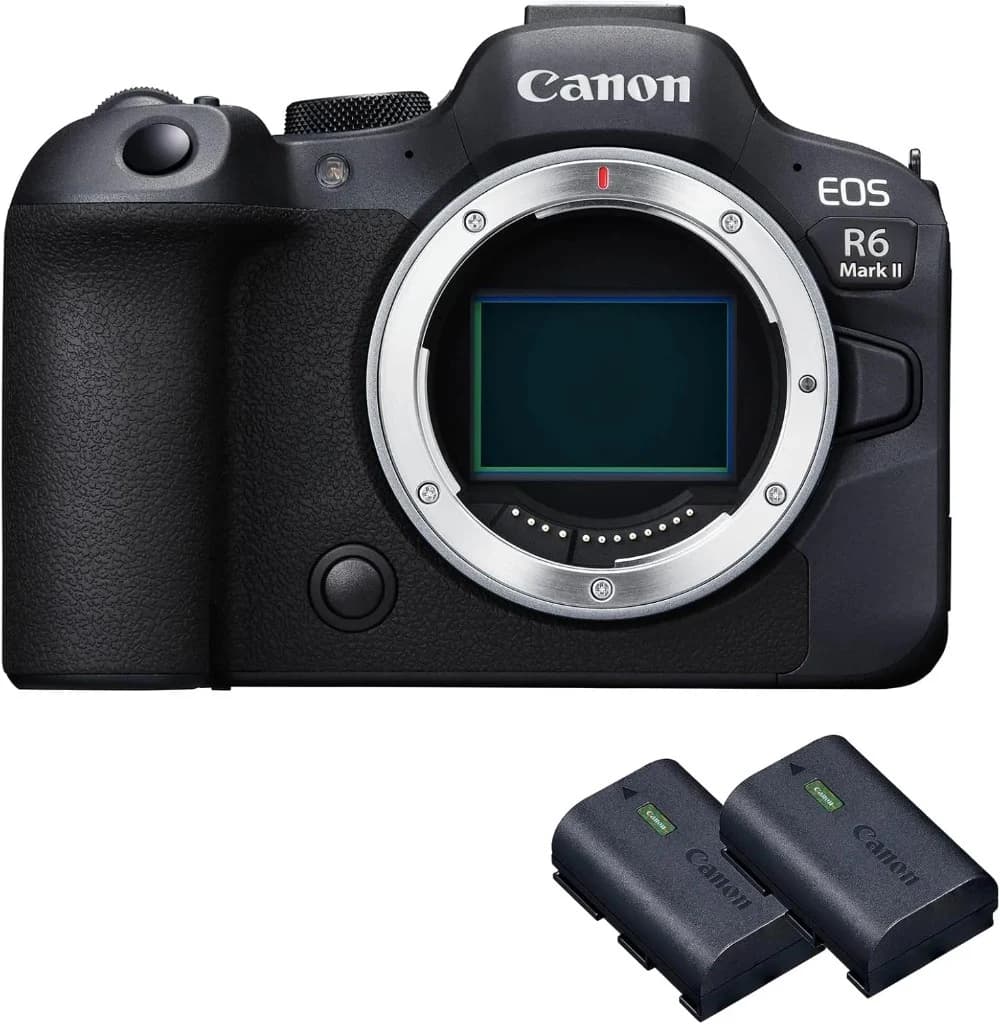
Professional mirrorless camera — typical advanced setup
Tier 2: More sensitivity, better lenses, more reliable setup.

You shoot regularly, maybe part-time, and hit limits: the kit lens is too dark in low light, the background doesn't look "pro", landscapes need a tripod. Tier 2 is the biggest equipment jump — and the one that pays off most when your skill grows with it.

Camera & lenses

  • Full-frame mirrorless (e.g. Canon EOS R6 Mark II, Sony A7 IV) — better noise, stronger AF
  • Standard zoom (24–70 mm f/2.8 or f/4) — all-rounder for events and reportage
  • Portrait lens (85 mm f/1.8 or 50 mm f/1.4) — bokeh and low light
  • Tele zoom (70–200 mm f/2.8 or f/4) — events, sport, compression
  • Wide angle (16–35 mm f/4) — landscape, architecture, interiors
  • Optional: macro (90–105 mm) — detail, product photography

Storage & power

  • CFexpress Type A/B or UHS-II SD — fast burst, 4K video without buffer stall
  • 4× batteries — mandatory for events
  • Use dual slot — in-camera backup (RAW to both cards)
  • Charging station (2–4 batteries at once)

Transport

  • Photo backpack 25–35 L (Lowepro ProTactic, Shimoda, Peak Design Everyday) — 2–3 lenses + body
  • Lens bag as second option for quick jobs
  • Rain sleeve for camera (OP/TECH USA Rain Sleeve)

Stabilisation

  • Carbon tripod (Manfrotto, Gitzo, Rollei) — light, stable, for landscape and studio
  • Ball head (Arca-Swiss plate compatible) — fast setup
  • Gimbal (DJI RS 3 Mini / RS 4) — if video is part of the mix
  • L-bracket on body — portrait and landscape on tripod without flopping

Light

  • Speedlight (Godox V860II, Canon Speedlite) — with tilt/swivel head
  • Flash diffuser / softbox attachment (MagMod or Lastolite)
  • Wireless flash trigger (Godox X-Pro) — off-camera flash
  • LED continuous light (Nanlite Forza 60B) — for video and constant light
  • 5-in-1 reflector (110 cm) + sturdy reflector holder

Filters & protection

  • CPL filter — reflective surfaces, sky
  • ND filter (ND8, ND64) — long exposure in daylight
  • Filter set in your largest lens front diameter
  • Front and rear lens caps as spares

Computer & software

  • Laptop (MacBook Air M3/M4 or equivalent) — edit on the go
  • Lightroom Classic + Photoshop (subscription) — standard workflow
  • External SSD (1–2 TB, Samsung T7) — project backup on the road
  • Optional: Capture One — if you prefer pro portrait colour

Studio (basics)

  • Seamless paper background (2.72 m wide) — white, grey, black
  • 2× light stands (Manfrotto 1004BAC) — for flash and reflector
  • Umbrella softbox (60–90 cm) — soft light
  • Collapsible backdrop (5-in-1) for headshots

Backup & small parts

  • 3-2-1 backup rule — 3 copies, 2 media, 1 off-site
  • Remote release (wireless or cable)
  • Grey card / ColorChecker Passport — correct white balance
  • Gaffer tape, cable ties, spare Arca plate — set life
  • Blower + sensor cleaning kit — DIY maintenance
04
Tier 3

Pro — tethering, boom arm & MacBook Pro

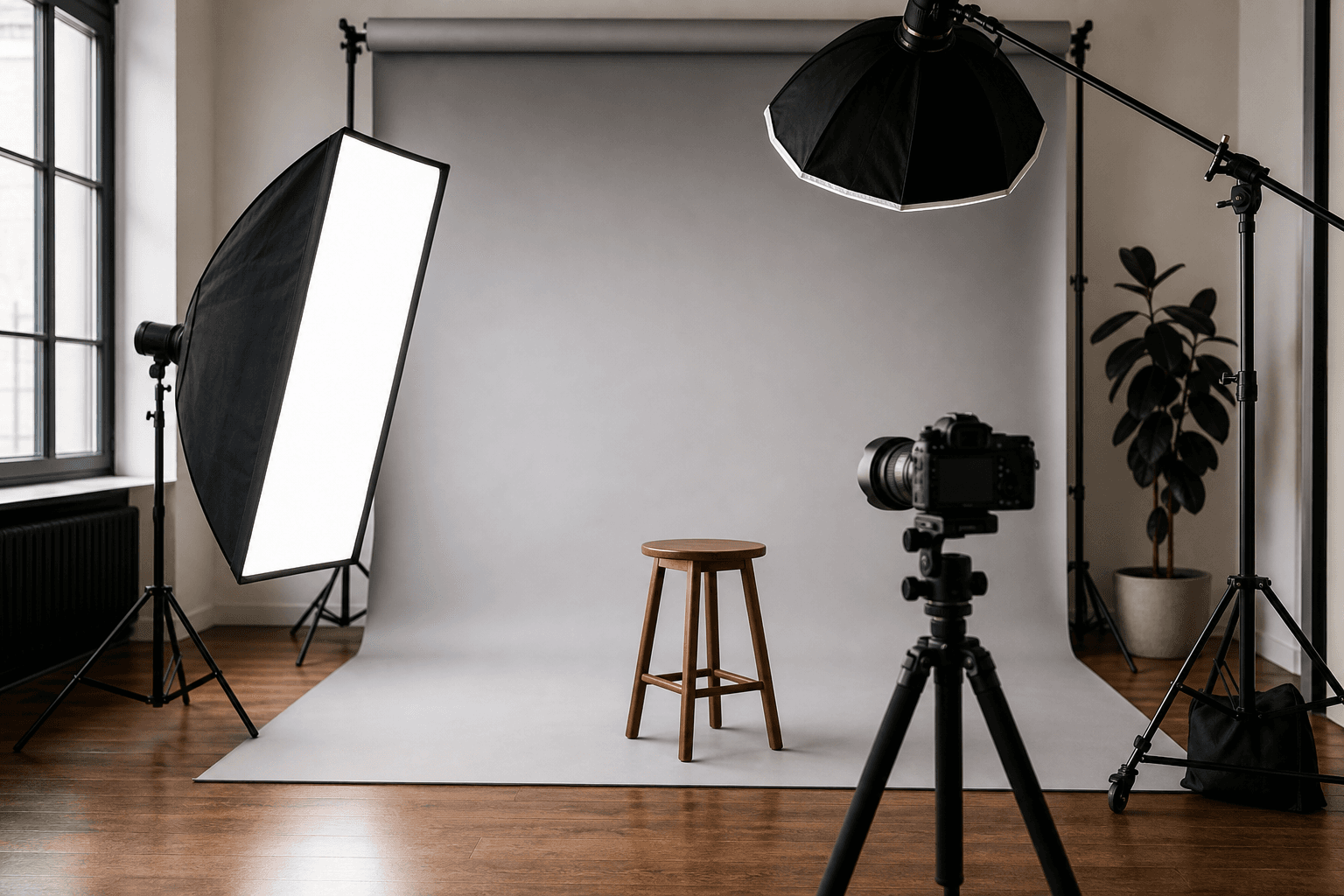
Professional studio setup with flash and background
Tier 3: Studio, tethering and redundant backup — when photography is your job.

As a pro you don't shoot "when it works" — you deliver reliably, in any light, with backup for every scenario. Tethering on set, studio flash with modifiers, two camera bodies, calibrated monitor. That's tier 3 — and it differs from advanced mainly through redundancy, speed and studio infrastructure.

Camera & lenses

  • 2× camera body (identical or compatible) — wedding: 24–70 on body 1, 70–200 on body 2
  • Pro zooms (24–70 mm f/2.8, 70–200 mm f/2.8) — weather sealed, constant aperture
  • Pro primes (35 mm, 50 mm, 85 mm f/1.4) — maximum sharpness and speed
  • Specialty lenses by niche: tilt-shift (architecture), 100–400 mm (sport), macro (product)
  • Professional lens service every 12–18 months

Storage & power

  • CFexpress + SD UHS-II — fastest cards, multiple sets
  • 6–8 batteries per body type
  • Flash power bank (Godox PB960) — long events
  • Car charger for on the road

Transport

  • Rolling case (Pelican, Think Tank Airport) — flights and locations
  • Photo backpack as carry-on — body + key lenses
  • Lens case with foam inserts — transport separately
  • Insurance for equipment (liability + theft)

Stabilisation

  • 2× carbon tripod (one in studio, one mobile)
  • Video tripod with fluid head — if video jobs are part of the mix
  • Heavy gimbal (DJI RS 4 Pro) — cinema moves
  • Slider (Rhino, Edelkrone) — product video and B-roll

Light (studio)

  • Studio flash system (Profoto B10X Plus, Godox AD600 Pro, Broncolor) — 2–4 heads
  • Wireless flash control (Profoto Air Remote, Godox XPro)
  • Softboxes (octa 120, strip 30×120, 60×60)
  • Beauty dish + grid — portrait standard
  • Fresnel / zoom reflector — hard light control
  • Coloured gels (CTO, CTB, creative)
  • Continuous light (Aputure 600d, Nanlite Forza 500) — video and hybrid sets

Studio & stands

  • C-stands (2–4×) — safe, heavy, versatile
  • Boom arm (Manfrotto 044, Kupo) — overhead light, hair light
  • Sandbags (5–10 kg each) — mandatory on every stand
  • V-flat (black/white, 2×1 m) — bounce and absorb light
  • Seamless paper (multiple colours) + background system with rolls
  • Shooting table (plexiglass) — product photography
  • Fog machine (optional) — atmosphere in portraits

Tethering

  • MacBook Pro 14/16" (M4 Pro/Max) — tethering, live view, fast editing on set
  • USB-C tether cable (15 ft / 4.5 m, Tether Tools) — reinforced, right angle
  • Tether block (Tether Tools USB-C) — prevent cable break
  • Laptop stand / cart (Tether Tools Aero) — on set beside camera
  • Capture One Pro or Lightroom Classic — live view and instant client approval
  • iPad as second display (optional) — client sees images without your laptop
  • Cable management (Velcro, clips) — avoid trip hazards

Computer, monitor & backup

  • Mac Studio or MacBook Pro — main machine in studio
  • Calibrated monitor (BenQ SW272Q, Eizo) — colour accuracy for print and clients
  • Monitor calibration (Spyder, Calibrite) — check monthly. Guide: Monitor Calibration
  • NAS (Synology, 4+ TB RAID) — central archive
  • 2× external SSD (project + backup copy)
  • Cloud backup (Backblaze, iDrive) — off-site security
  • UPS — protects NAS and computer

Set accessories & business

  • Model release (paper + app) — free generator
  • Wireless headset — communication with assistant on set
  • Spare cables for everything (HDMI, USB-C, flash sync)
  • Tool kit (Allen keys, screwdriver) — Arca plates, quick release
  • First aid kit on set — liability and precaution
  • Contracts, invoice templates, accounting — business infrastructure
05
Comparison

The complete list side by side

All categories and all three tiers in one table — for checking off, comparing and planning:

CategoryBeginnerAdvancedPro
CameraAPS-C kitFull frame2× full frame pro
LensesKit zoom3–4 lensesPro zooms + primes + specialty
SD/CF2× 128 GB V30CFexpress + UHS-IIMultiple fast sets
Batteries1 spare6–8× + flash power bank
TransportBackpack 15–20 LBackpack 25–35 LRolling case + backpack
Tripod— (optional mini)Carbon + ball head2× carbon + video tripod
FlashSpeedlight + wirelessStudio flash 2–4×
FiltersProtection filterCPL + ND setPro filter per lens
LaptopSmartphone / existingMacBook AirMacBook Pro + Mac Studio
SoftwareLightroom MobileLR Classic + PSCapture One + LR
StudioSeamless + 2 standsC-stands, boom, V-flat
TetheringCable + stand + C1/LR
MonitorCalibrated (BenQ/Eizo)
BackupCloudSSD + dual slotNAS + cloud + 3-2-1

Photography equipment — beginner vs. advanced vs. pro

06
Priorities

In what order to buy?

After "What do I need?" the most common question is "What first?". This order maximises benefit per euro:

1. Camera + kit lens
Without it nothing works. More: Camera for Beginners.
2. SD cards + spare battery
Cheap, immediately noticeable. No shoot without them.
3. Backpack
Camera you take with you beats expensive camera in the cupboard.
4. Prime (50/85 mm)
Biggest image quality jump for little money.
5. Tripod
When landscape, long exposure or studio — not before.
6. Full-frame body
Only when kit lens and prime are maxed out.
7. Flash + off-camera
When available light isn't enough.
8. Pro lenses
24–70 f/2.8 and 70–200 — when jobs justify it.
9. Studio / tethering
When clients need on-set approval or studio is your main format.
07
FAQ

Frequently asked questions

What does a beginner photographer need at minimum?
Mirrorless camera with kit lens, 2 SD cards, spare battery, backpack and microfibre cloth. Budget around €900–1,200. More: Camera for Beginners.
When is full frame worth it?
When you regularly shoot in low light, want expressive bokeh or need to deliver part-time professionally. Before that, max out kit lens and 50 mm prime.
Do I really need tethering as a pro?
For studio portrait, product photography and commercial: yes — clients see results immediately, you control sharpness and light. For reportage and wedding often no (too slow, too many cables).
MacBook Pro or is a cheaper laptop enough?
Lightroom and tethering need power. MacBook Air is enough for advanced work on the go. On set with tethering and Capture One: MacBook Pro 14" with M4 Pro recommended.
What is a boom arm and what is it for?
A boom arm holds light or camera above the set — e.g. hair light in portraits or overhead for product shots. Pro studio standard, combined with C-stand and sandbag.
This article may contain affiliate links. There is no extra cost to you — recommendations are based on practical experience, not commission.
Newsletter

Stay in the loop.

Camera and photography news, honest gear tests and new articles — in your inbox. Infrequent but relevant. No spam, unsubscribe anytime.

Keep reading

From the journal.

Fotograf, Martin Fernando Mera Kleinheinz · Franz-Bork-Straße 21, 30163 Hannover · 0179 4085297