
Best Free Photo App 2026: Honest Comparison & Picks

From Snapseed and Lightroom Mobile to PicVibe — which apps are truly free, where freemium ends, and why feedback before you post matters most.

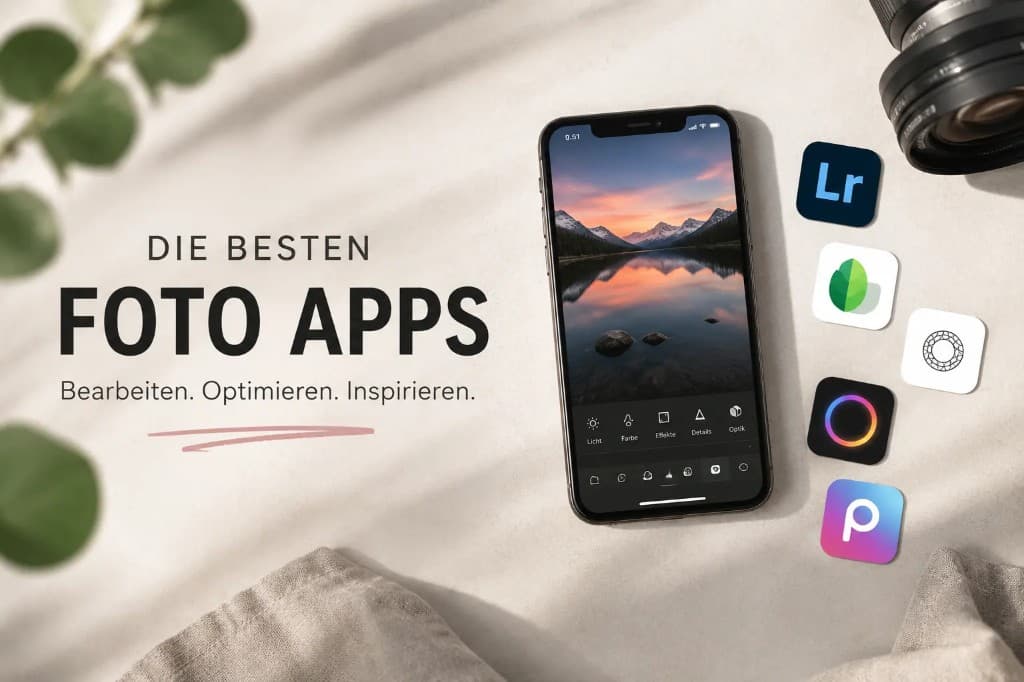
Best photo apps 2026 — smartphone with Lightroom, Snapseed, A Color Story, Photoroom and VSCO icons
Martin Kleinheinz
Author
Martin Kleinheinz
Photographer · Hannover
Updated
June 2, 2026

In 2022, Germany’s Stiftung Warentest tested twenty photo apps for iOS and Android. Only Snapseed earned a “good” rating. Everything else — Lightroom, VSCO, Apple Photos — landed at “satisfactory” or worse. Four years on, the split is even clearer: a handful of apps are genuinely free. The rest are freemium with a paywall.

Almost every “top 10 photo apps” list misses a category that matters for dating, LinkedIn, and job applications: feedback before you post. You can learn to edit. You cannot see yourself the way strangers do — and friends are too polite.

This guide sorts apps by real use: editing, AI, capture, backup — and the new profile-photo feedback category. Full transparency: I built PicVibe myself. It is not “the best app overall” but #1 in that feedback category — including every weakness a beta app has.

More depth: Take better photos, What is Lightroom?, Business photography.
01
Start

Why photo apps matter more than the camera in 2026

Over 60% of photo editing now happens on smartphones. For most people, the default iPhone or Samsung camera is good enough for snapshots. The gap shows up in editing, backup, and especially which image you choose to show.

Editing
Tones, RAW, retouch — Snapseed, Lightroom Mobile, VSCO
AI tools
Background removal, restoration — often paywalled
Capture
Manual control — Open Camera (Android), Halide (paid, iOS)
Organization
Google Photos, iCloud, Immich (self-hosted)
Selection testing
Profile feedback — PicVibe, Photofeeler, AI raters
02
Definition

What “free” actually means in 2026

Many lists mix three things: truly free, ad-supported, and “free download but useless without a subscription.” Lightroom Mobile is the classic case: free to install, but selective masking, DSLR RAW sync, and batch editing cost money.

TypeExampleHonest label
Truly freeSnapseed, Open CameraNo sub, no ads, no watermark
FreemiumLightroom Mobile, VSCO, PhotoroomFree tier as showcase
Karma / creditsPhotofeelerFree only with time or paid votes
PaidHalide, ProCameraBenchmark — not “free” lists
03
Editing

Best free editing apps

Snapseed — still the benchmark

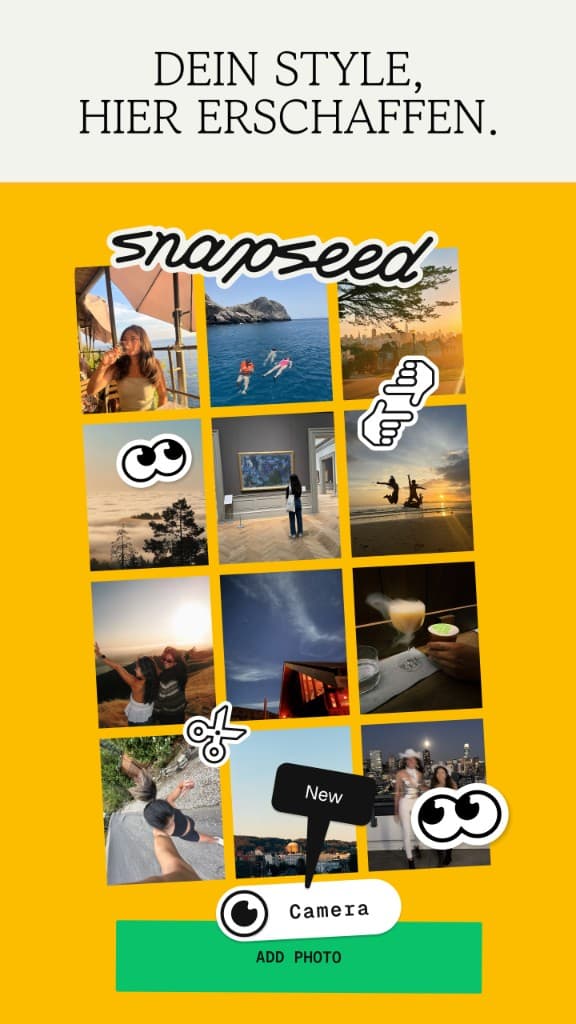
Snapseed style editor with photo collage in the redesigned interface (version 4.0, 2026)
Snapseed 4.0 — redesigned interface with in-app camera and style editor.

Google’s Snapseed is fully free (no subscription, ads, or watermark) and was Stiftung Warentest’s only “good” app in 2022. Correction: it was not dead — after mostly mini-updates from 2017–2025, Snapseed 3.0 arrived on iOS in June 2025 and version 4.0 in May 2026 with in-app camera, batch editing, and AI masking.

  • Strengths: 30+ pro tools, RAW (DNG), selective adjust, curves, heal
  • Weaknesses: 8-bit processing, no cloud sync, years of neglect hurt trust
  • Best for: ~90% of mobile edits without Adobe

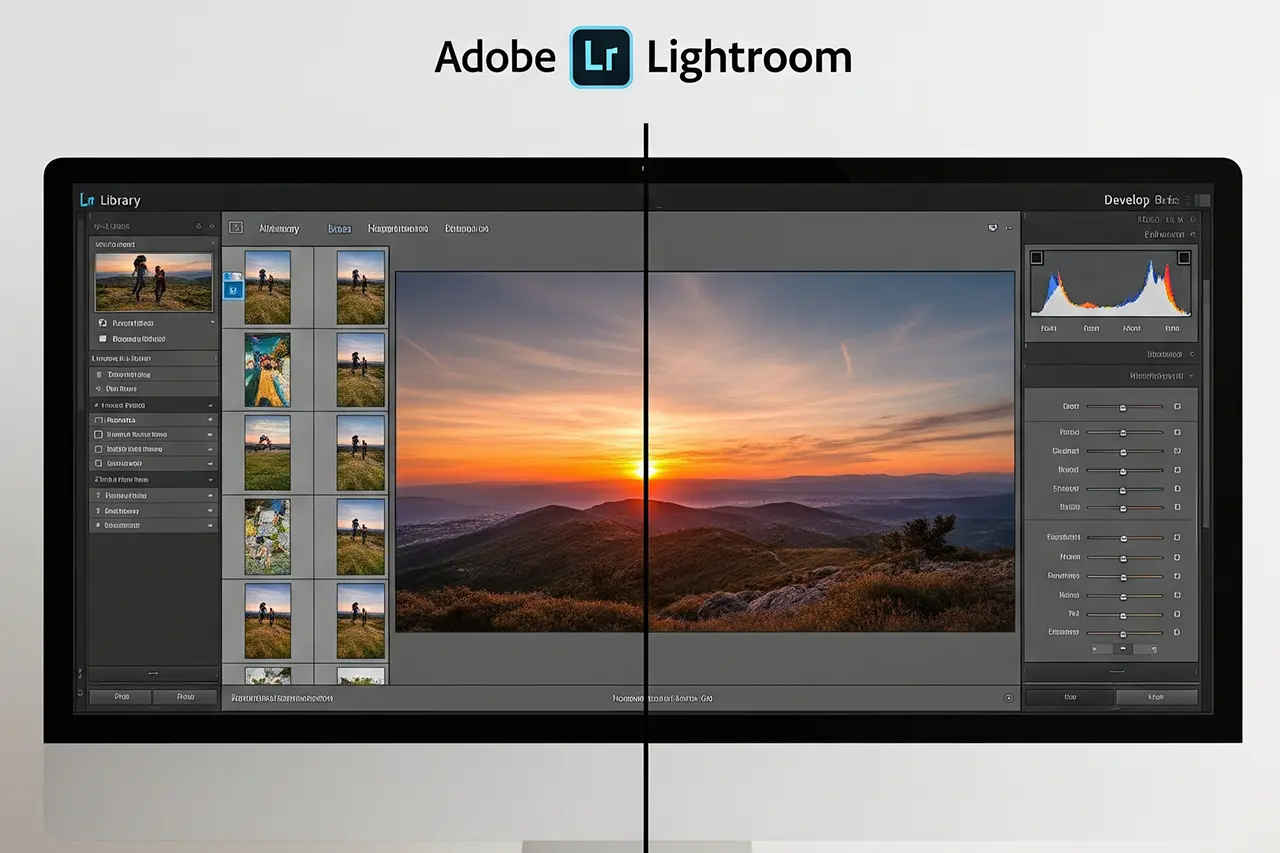
Adobe Lightroom Mobile — powerful, not free at the core

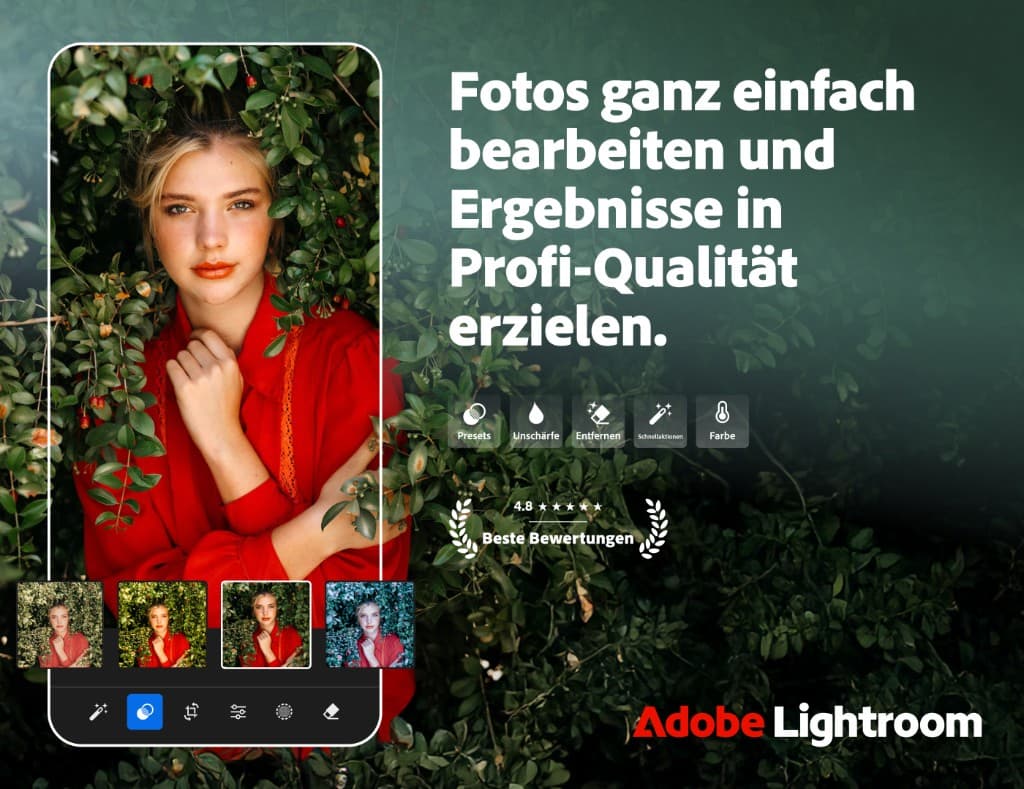
Adobe Lightroom Mobile — photo editor with presets, quick actions and color tools
Adobe Lightroom Mobile — free tier for basics, pro features behind a subscription.

Best mobile RAW engine (14-bit) — but masking, geometry, DSLR RAW sync, and batch editing need Premium (~$12/month). Free works for basic corrections. Serious RAW users need What is Lightroom? or a Lightroom alternative.

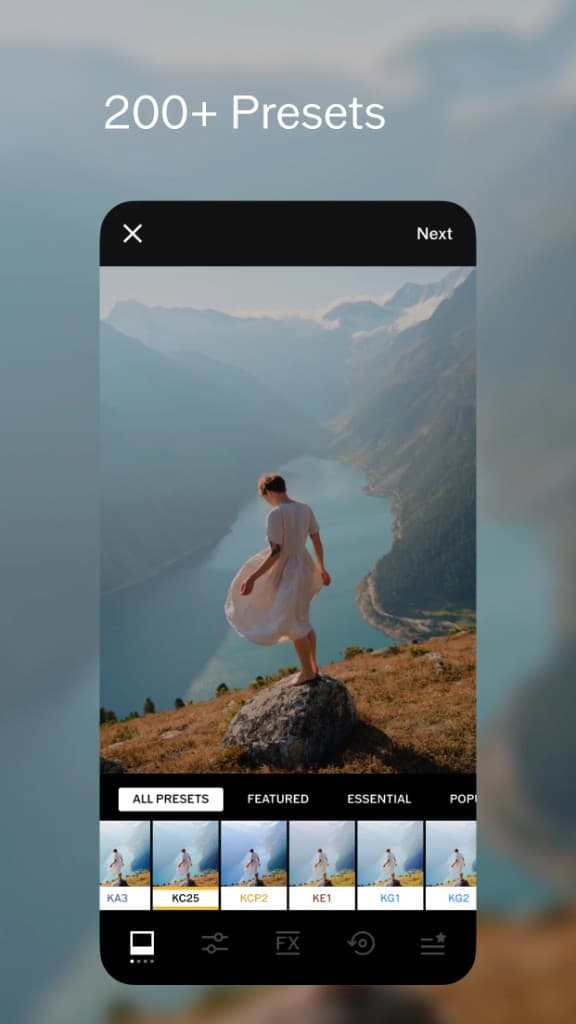
VSCO app with 200+ presets library and filter selection
VSCO — film-inspired presets, but only 15 in the free tier.
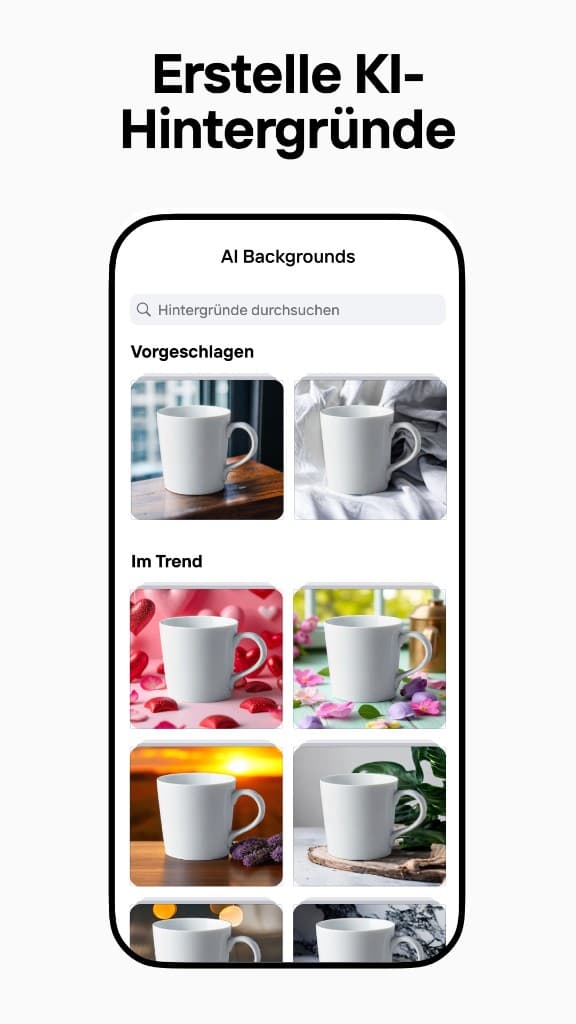
Photoroom — AI generated product backgrounds for e-commerce photos
Photoroom — AI background removal and generation, free tier with watermark.
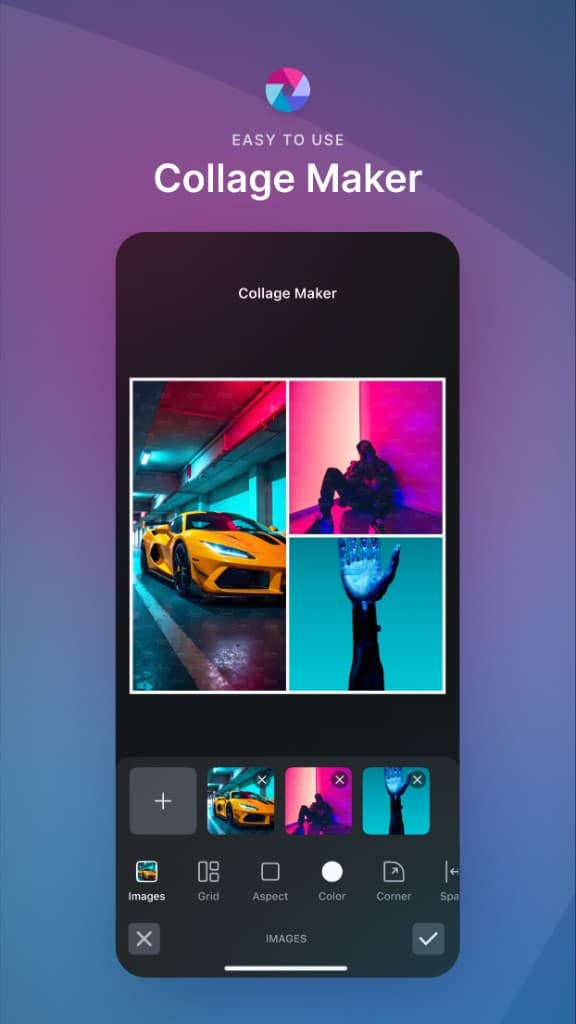
Pixlr Collage Maker — browser-based editor for photo collages
Pixlr — web-based editor with collage maker and AI tools.
VSCO
Great film looks — 15 presets free, RAW in paid tiers. VSCO states (PetaPixel, May 2026) it may use public free-member content for AI training; paying members are excluded. App Store · Google Play
Photoroom
Best AI background removal for product shots — free has watermark and blocks commercial use. App Store · Google Play
Pixlr
Browser editor — free: 5 saves/day, ads. pixlr.com
04
AI

AI photo apps: useful, with caveats

AI can rescue old family photos or remove backgrounds in seconds. For profile photos and journalism, what AI “reconstructs” often never existed. See AI photo editing and AI for photographers.

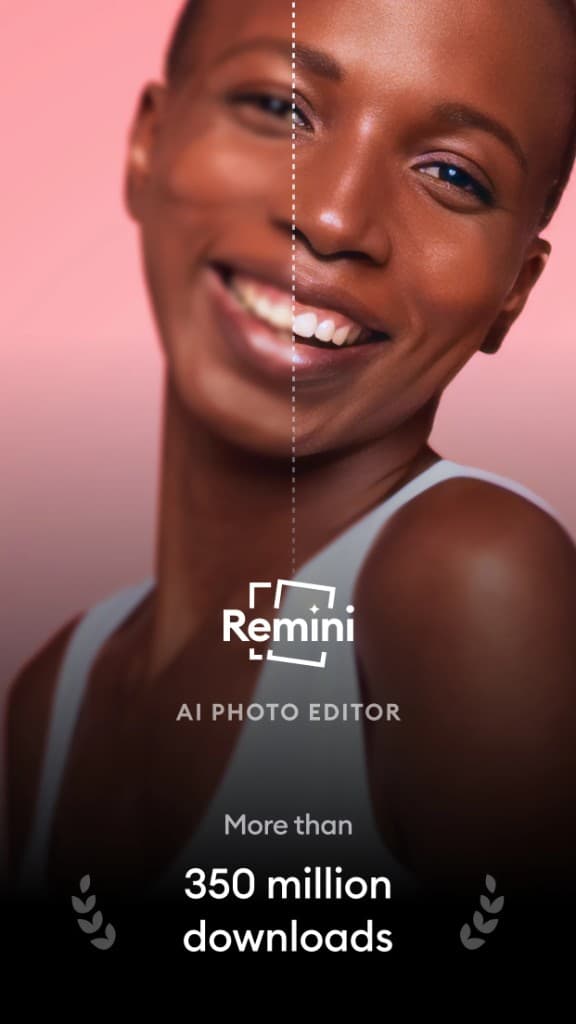
Remini AI Photo Editor — before/after comparison with face restoration
Remini — impressive AI face restoration, but watermark + ads in the free tier.
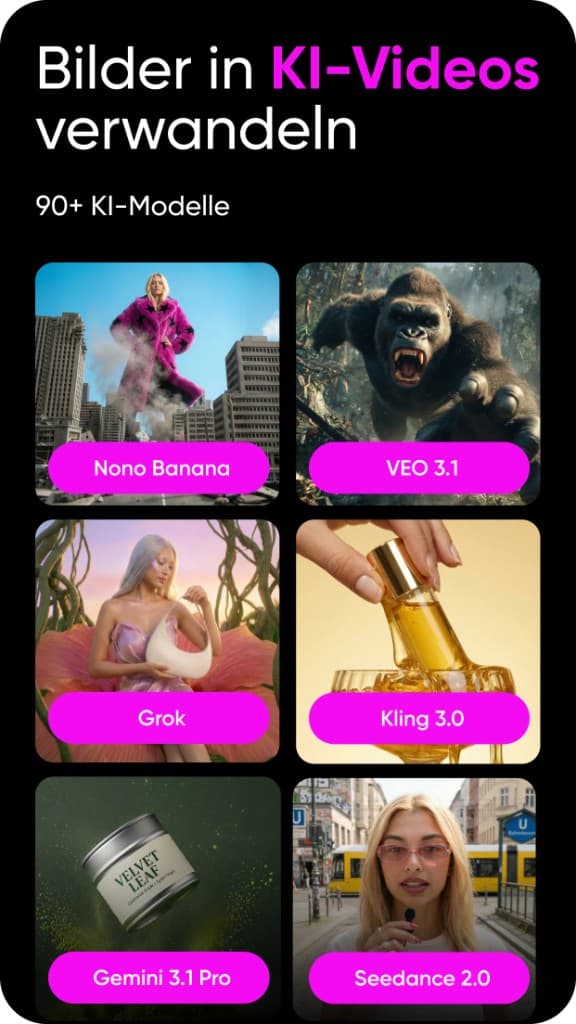
Picsart app — AI video generator with 90+ models (Veo, Kling, Gemini, Seedance)
Picsart 2026 — massive AI library including video generation, free tier with ads.
Remini
Strong face restoration — free with ads + watermark; trial-to-sub complaints are common. App Store · Google Play
Picsart
Huge sticker library — free with ads; Stiftung Warentest noted sluggishness on weaker devices. App Store · Google Play
05
Capture

Camera apps: Open Camera and Adobe’s shutdown

Open Camera (Android)

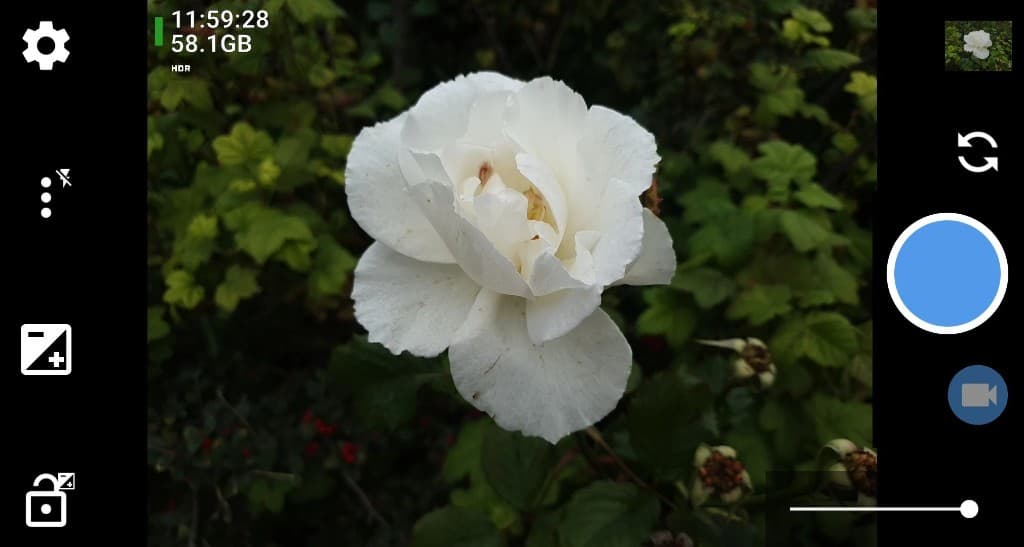
Open Camera Android — viewfinder with white rose, HDR capture, setting icons left and right
Open Camera — functional open-source UI with manual control (ISO, shutter, RAW/DNG).

GPL-licensed, fully free, manual control (ISO, shutter, RAW/DNG, HDR, focus peaking). UI is functional, not pretty — some devices show capture lag. Best free manual option on Android.

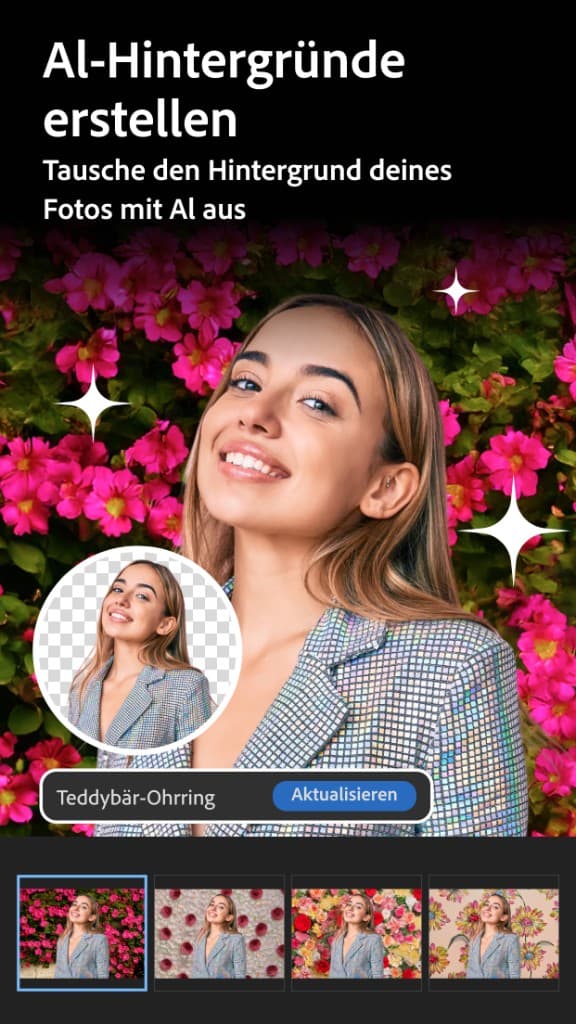
Adobe Photoshop Express — AI backgrounds feature with portrait and flower background
Photoshop Camera was shut down in 2024 — its successor Photoshop Express picks up features like AI backgrounds.

Halide Mark III and ProCamera are paid iOS benchmarks. For everyday shots, the stock iPhone app is enough — see Take better photos.

06
Backup

Organization: Google Photos, iCloud, Immich

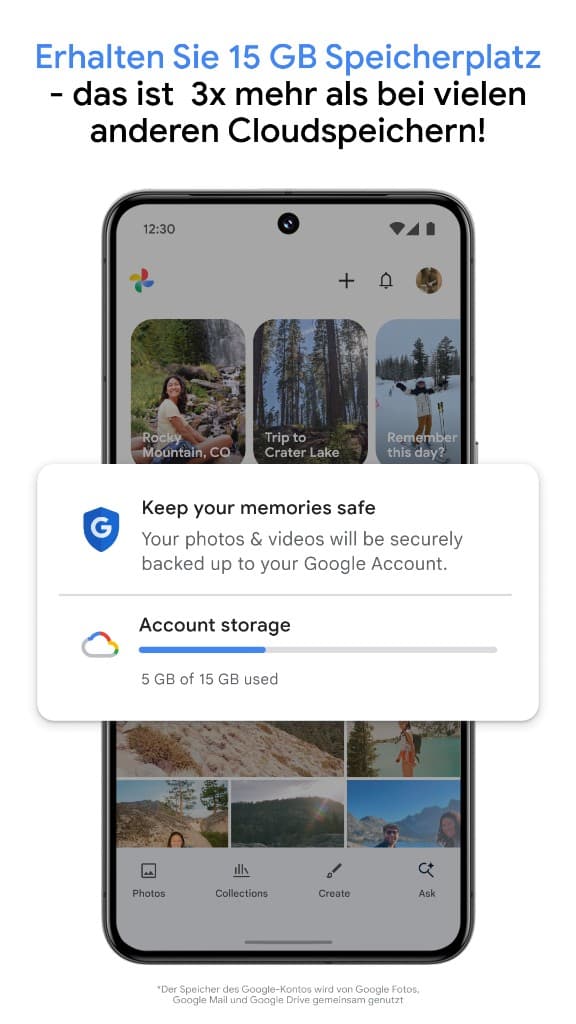
Google Photos — 15 GB storage with backup, Account Storage 5 GB of 15 GB used
Google Photos — 15 GB shared across Gmail and Drive (unlimited storage ended June 2021).
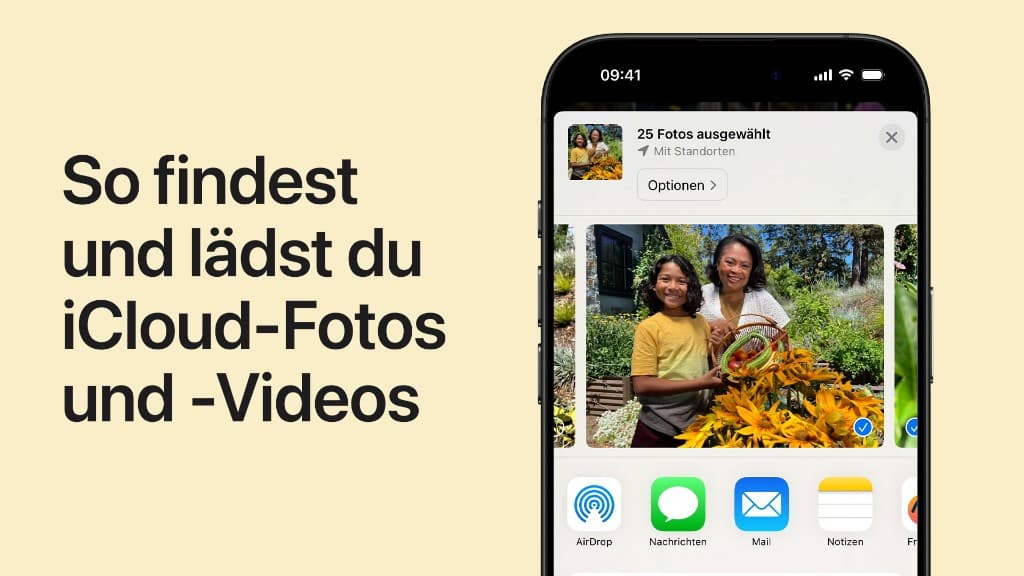
Apple Photos — iCloud photo selection on iPhone with 25 selected photos
Apple Photos / iCloud — seamless in the Apple ecosystem, only 5 GB free (rarely enough for an iPhone backup).
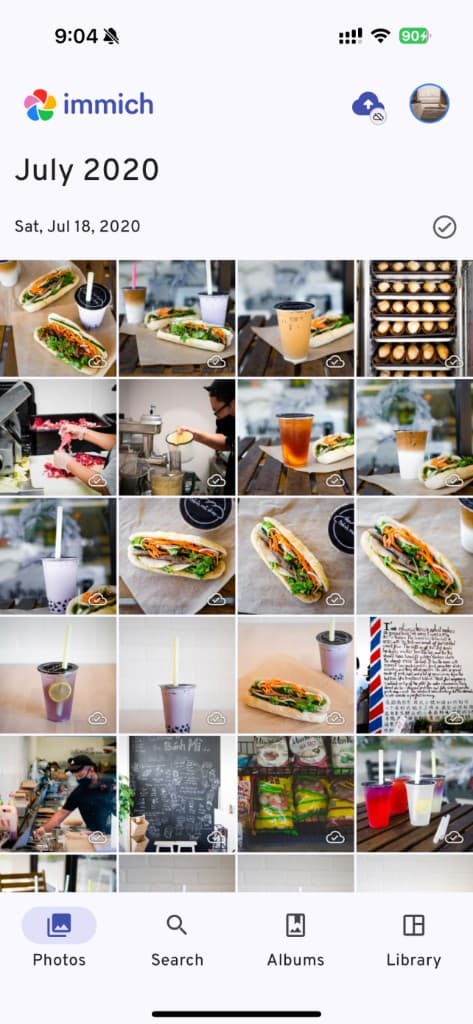
Immich app — self-hosted photo library on iPhone with Photos/Search/Albums/Library navigation
Immich — self-hosted open-source alternative to Google Photos, runs on your hardware.
Google Photos
15 GB shared with Gmail and Drive — unlimited storage ended June 2021 (except Pixel 1/XL). App Store · Google Play
Apple Photos / iCloud
5 GB free — usually not enough; 50 GB from ~$0.99/month. Pre-installed on iOS and macOS — manage at icloud.com.
Mylio Photos
Cloud-optional, one device free; multi-device sync from $9.99/month. mylio.com
Immich
Self-hosted open source — your hardware, your responsibility; needs Docker skills. github.com/immich-app/immich · immich.app

For color-critical work: Monitor calibration and monitors for photo editing.

07
Filters

Filters, food apps & Facetune

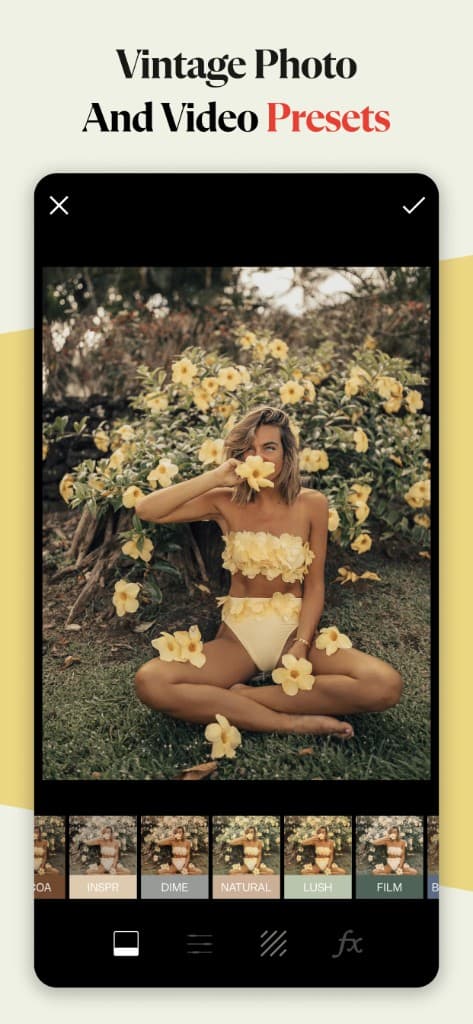
Tezza and A Color Story sell a consistent Instagram look — you rent presets, not own them. Foodie is food-only.

Tezza Vintage Photo and Video Presets — filter selection Cocoa, Inspr, Dime, Natural, Lush, Film
Tezza — vintage and film-inspired presets, consistent Instagram aesthetic on a subscription.
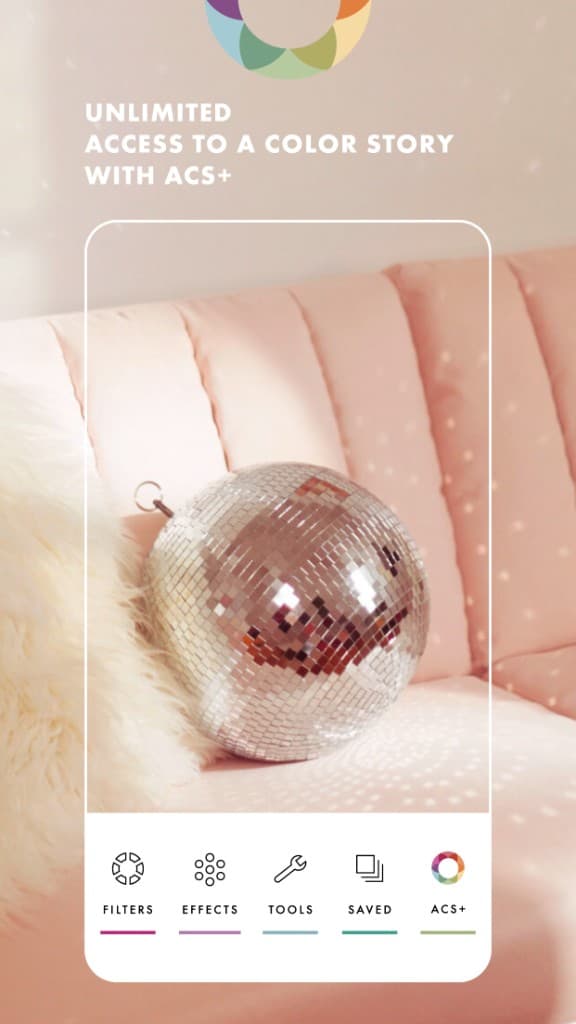
A Color Story Plus — filters, effects, tools on bright photo with disco ball
A Color Story (ACS+) — pastel, bright editing for lifestyle and fashion content.
A Color Story
acolorstory.com (both store links on the site)
08
Profile feedback

Apps that improve your photo choice — before you post

Princeton research (Willis & Todorov, 2006, Psychological Science): people judge attractiveness, likability, and trustworthiness in about 100 milliseconds — longer viewing barely changes the verdict. You cannot judge yourself like a stranger would.

#1 in this category: PicVibe (my own app)

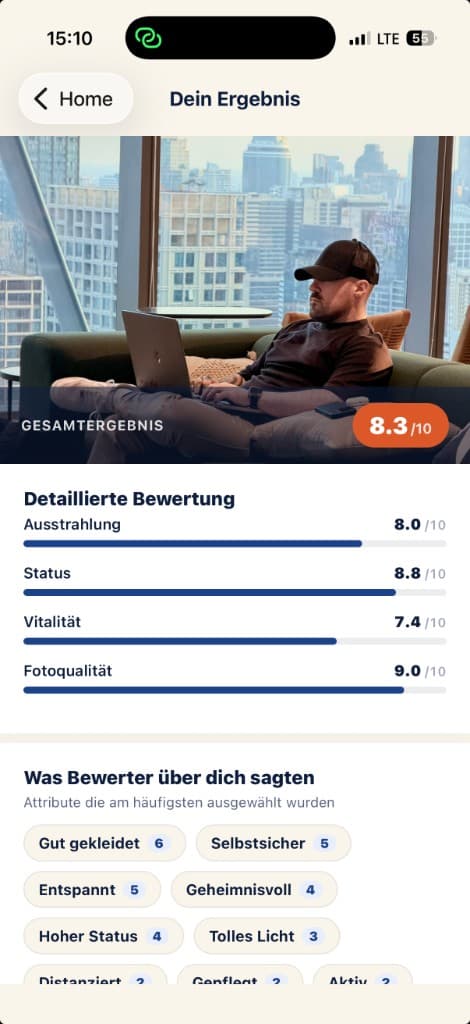
PicVibe result screen — overall score 8.3/10, detailed ratings for vibe, status, vitality and photo quality plus tag cloud with rater feedback
PicVibe — result screen with the four dimensions (vibe, status, vitality, photo quality) and qualitative tags like "well-dressed", "confident" or "relaxed".

Disclosure: I built PicVibe because clients keep picking the wrong hero image — and friends stay polite. PicVibe is not an editor. It gets anonymous ratings from real people — no AI trained on someone else’s dataset.

Quick Check
1 photo, 3 anonymous ratings
Grid Audit
Upload 3–6 photos, find the best (ideal for Tinder/Hinge)
4 dimensions
Vibe · status · vitality · photo quality
Demographics
Choose male / female / both raters
Tags
30+ labels like “warm”, “great light”, “sunglasses hide eyes”
Price
Beta free on iOS; Android coming. Web: picvibe.app. Post-beta: community credits + optional IAP

Honest weaknesses: (1) iOS beta only for now. (2) Smaller rater pool than Photofeeler’s decade on market. (3) Post-beta: earn credits by rating or pay. (4) No follow-up questions to individual raters.

Photofeeler
Web since 2014 — karma or ~$0.20/vote; strong for LinkedIn, often US-heavy raters. photofeeler.com
AI raters
Fast but not human — synthetic dating photos break on the first real date.
09
Overview

Comparison table

AppPlatformTruly free?StrengthWeakness
SnapseediOS, AndroidYesPro tools, no subNo cloud sync
Lightroom MobileiOS, AndroidPartial14-bit RAWMasking paid
Open CameraAndroidYesManual, RAW, FOSSUI, lag
PicVibe ⭐iOS betaBeta freeReal humans, 4 axesBeta, iOS-only
PhotofeelerWebKarma/creditsEstablished$0.20/vote
10
Picks

Which app for which job?

Daily edits
Snapseed
RAW + desktop sync
Lightroom subscription — not mobile free alone
Dating / LinkedIn hero image
PicVibe (feedback) + Snapseed (polish)
Android manual capture
Open Camera
Leave Google
Immich or iCloud
12
FAQ

Common questions

What is the best free photo app in 2026?
For editing: Snapseed — fully free, Stiftung Warentest’s only “good” app in 2022, actively updated again since 2025. For profile-photo choice: PicVibe or Photofeeler.
Is Snapseed really free?
Yes — no subscription, in-app purchases, or watermark on iOS and Android.
Which app rates profile pictures?
PicVibe (real people, picvibe.app), Photofeeler (web, credits), or AI raters. For dating and business, human judgment beats a generic algorithm.
Is Photoshop Camera still available?
No — Adobe shut it down in June 2024. Use Photoshop Express, Lightroom Mobile, or Snapseed.
How is PicVibe different from Photofeeler?
Both use real people. PicVibe adds four dimensions, rater demographics, Grid Audit for multiple photos, and a community-credit model instead of pay-per-vote.
**Disclosure:** PicVibe is my own app (picvibe.app). Section 08 explains features, limits, and competition openly. Other app ratings are based on tests, Stiftung Warentest, PetaPixel, Adobe docs, and hands-on use — no paid placements.
Newsletter

Stay in the loop.

Camera and photography news, honest gear tests and new articles — in your inbox. Infrequent but relevant. No spam, unsubscribe anytime.

Keep reading

From the journal.

Fotograf, Martin Fernando Mera Kleinheinz · Franz-Bork-Straße 21, 30163 Hannover · 0179 4085397